Block storage
Volumes that attach, resize and snapshot.
Network block volumes for your servers — create, attach, detach and resize through one resource, with snapshots you can restore from. Shared file storage is a different resource, kept deliberately apart.
The advantages
The outcomes this product is built around.
The safe ordering is enforced
Detach-first and the other orderings you would otherwise maintain by hand are enforced by the platform, so a volume cannot be pulled out from under a running server.
Every restore has a defined source
Snapshots are recorded point-in-time copies — a restore never depends on whatever state happened to be current when someone remembered.
Grow without a rebuild
Resize a volume in place through the same resource you created it with — no migration window, no new mount points to rewire.
One resource, whole lifecycle
Create, attach, detach, resize and snapshot are verbs on one resource, so scripts and consoles never disagree about what a volume is.
See it in the console
Real screens from the product, not mock-ups.
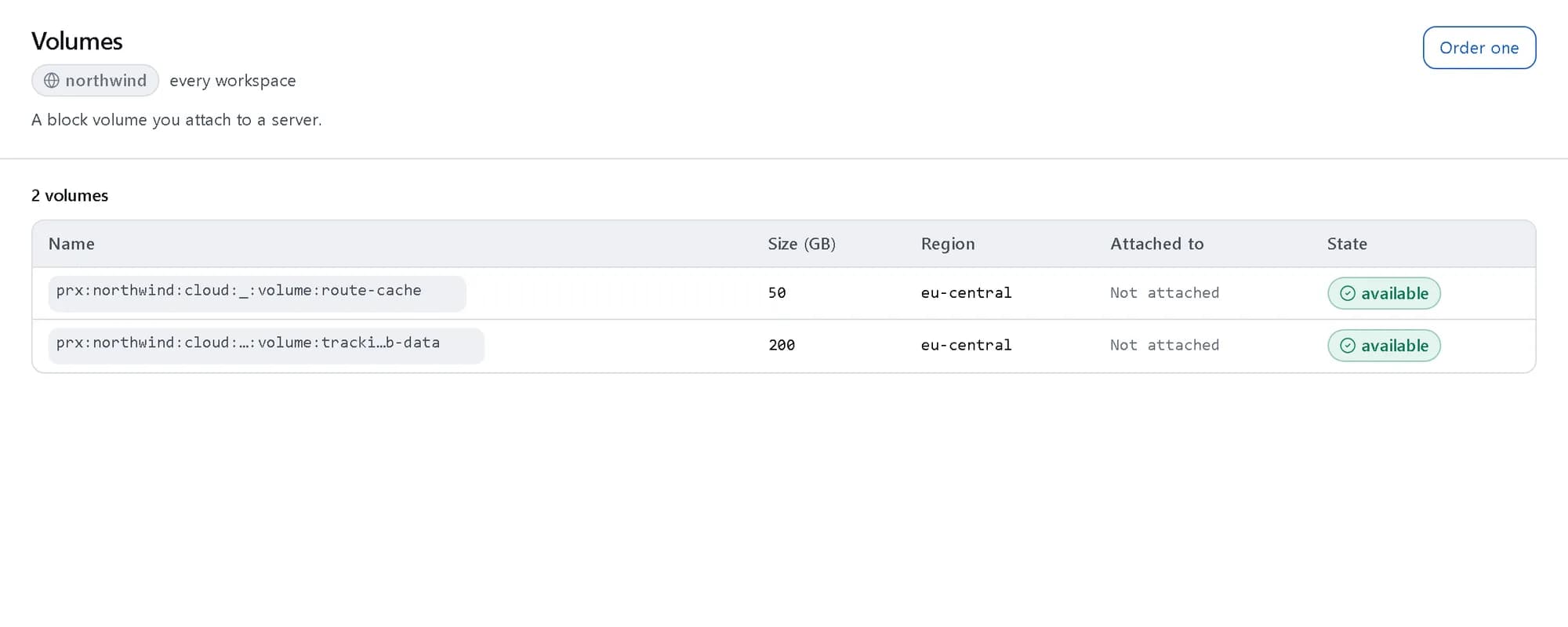
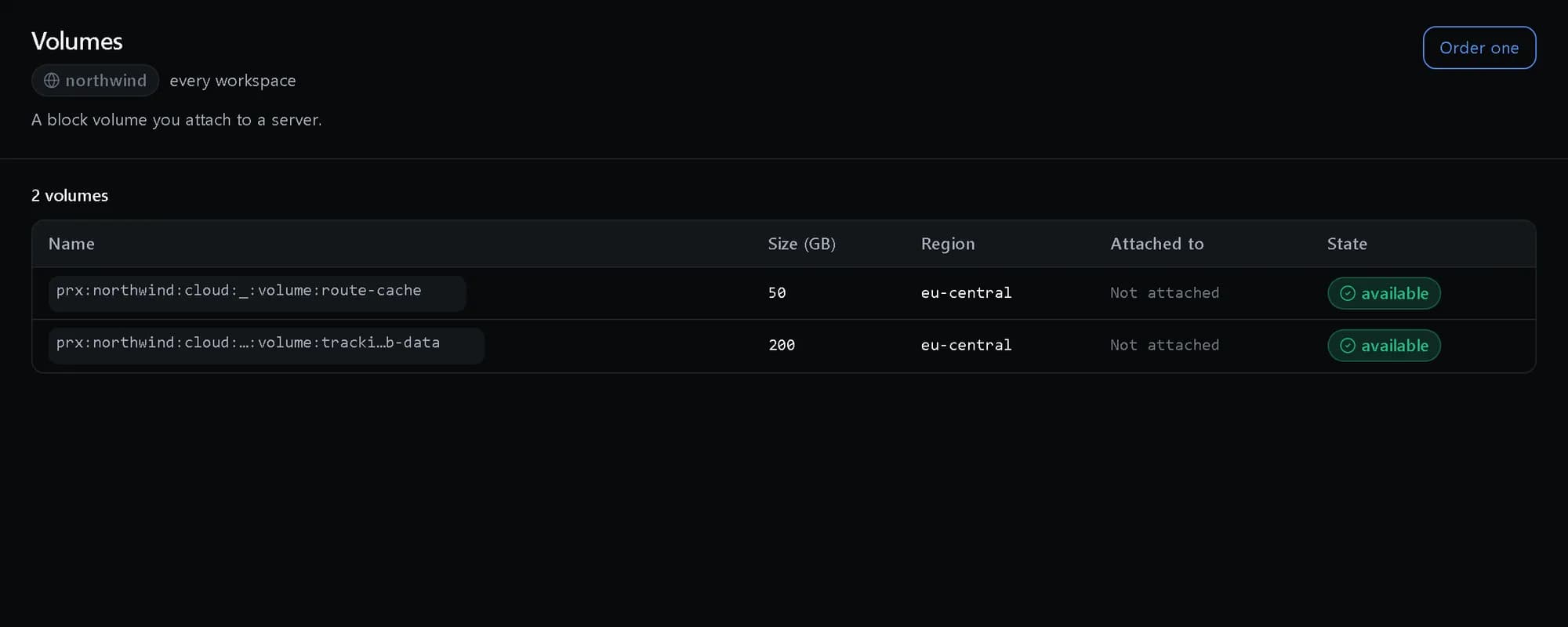
Every volume and where it is attached
Each volume’s size, region and the server it is attached to, if any.
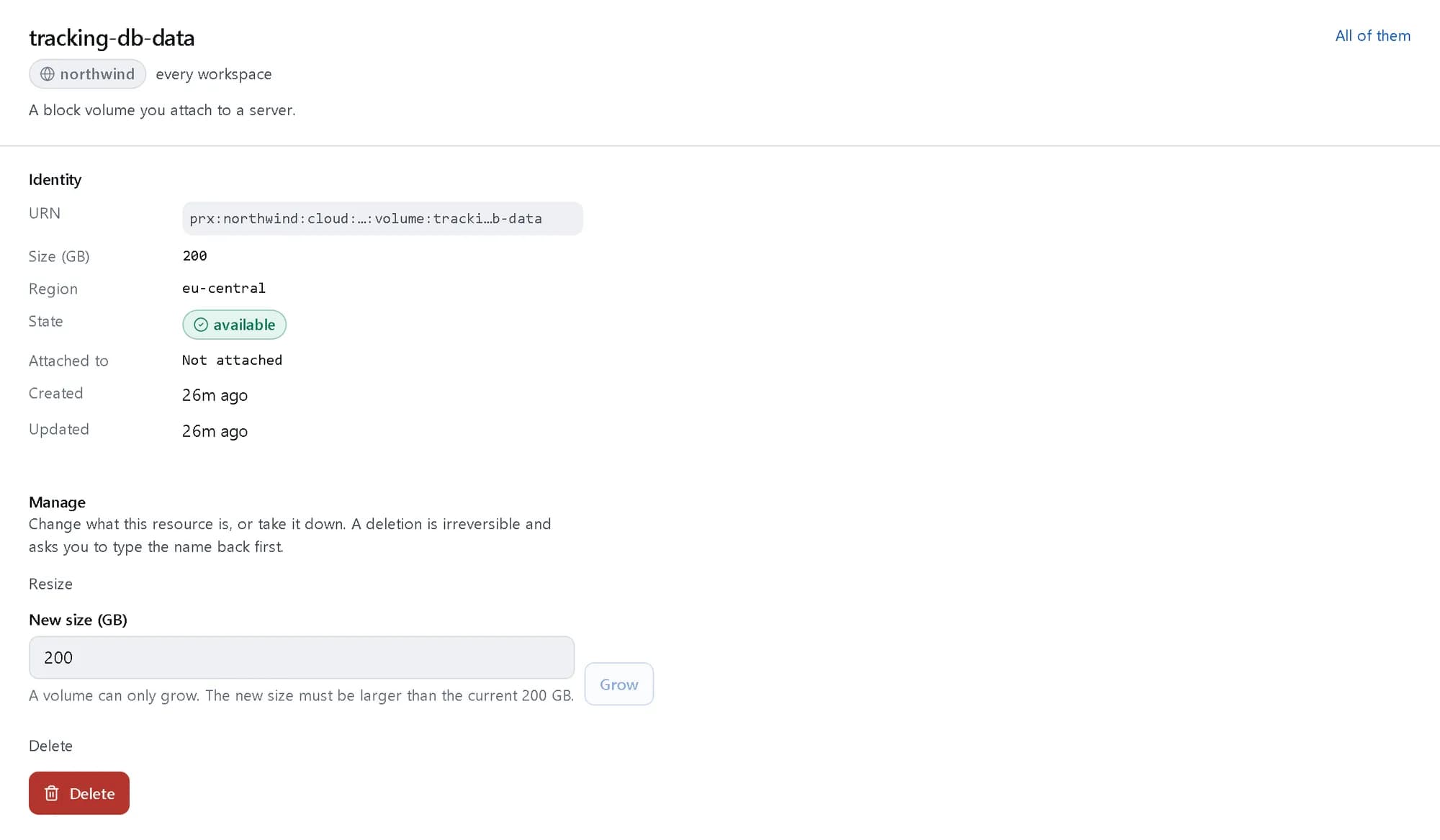
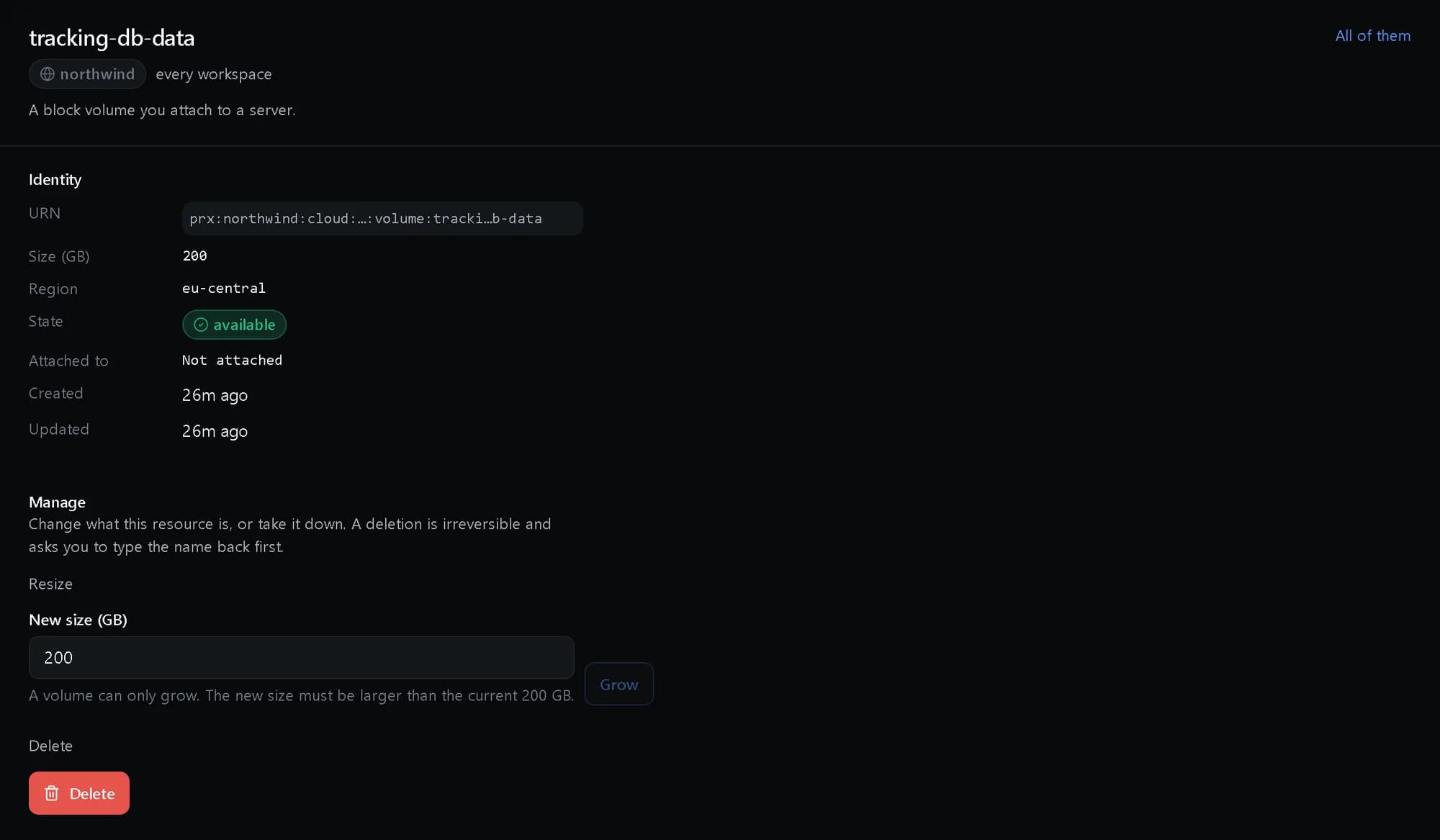
Grow a volume in place
A new, larger size and one click. A volume only grows, so nothing can be truncated by mistake.
How it fits together
What happens between your request and a running resource.
A volume is one resource in a region. You attach it to a server, grow it in place and take snapshots of it; the platform enforces the safe ordering — detach before delete, grow, never shrink — and records every snapshot as a point you can restore from.
- Console and API: attach, grow, snapshot (You)
- Volume: network block storage (The platform)
- Snapshots: recorded points in time (The platform)
- Your server: same region (Where it runs)
- Console and API to Volume: one resource
- Volume to Your server: attached
- Volume to Snapshots: copy
Who it is for
The teams and situations this product was built for.
Teams running stateful services
Databases and queues on your own servers need durable, fast disks.
Network volumes sized to the workload, attachable in seconds.
Operators before a risky change
You want a way back before an upgrade or migration.
A recorded snapshot before you start, restorable to a defined point.
Growing services
Data grows faster than the disk you provisioned.
In-place resize on the same volume, enforced in the safe order.
What it does
The core capabilities, live in the product today.
Block volume lifecycle
Create, attach, detach and resize volumes, with the detach-first a customer would do by hand enforced for them rather than left as a trap.
Each verb is one call on the same resource, and the orderings a runbook would otherwise carry — detach before you delete, grow in the safe order — are enforced by the platform rather than left as traps.
Volume snapshots
Point-in-time snapshots of a volume, recorded so a restore has a defined source rather than the latest state at the moment someone remembered.
Take a snapshot before the risky change. It is recorded as a defined point-in-time copy, so a restore always names its source — you know exactly what you are going back to, every time.
The ideas behind it
The words this page uses, explained once.
- Network block volume
- A disk that lives apart from any one server. Attach it, detach it and attach it somewhere else, and the data goes with it.
- Grow, never shrink
- A resize can only make a volume larger. A request to shrink is refused, because the platform cannot know what the filesystem keeps at the end of the disk.
- Snapshot
- A point-in-time copy recorded against the volume, so a restore always names exactly what it is going back to.
In depth
The detail an evaluation asks for.
Safe ordering
Detach before delete, grow rather than shrink: the orderings a runbook would carry are enforced by the platform, so a volume cannot be pulled out from under a running server.
Snapshots on a schedule
Take a snapshot before a risky change, or put a volume on a schedule with retention, so there is always a recent point to go back to.
Shared files are separate
A block volume is attached to one server at a time. When several servers need the same files, NFS file storage is its own resource, kept apart on purpose.
How it works
- Console
Create a volume
Network block storage sized to the workload, created in seconds.
- API
Attach and grow
Attach to a server, detach and resize as needed — the safe ordering is enforced for you.
- Console
Snapshot before the change
A recorded point-in-time copy before the upgrade or migration, taken as one call.
- Console
Restore to a defined point
Every restore names its recorded source — you always know exactly what you are going back to.
In code
The same task in the CLI and both SDKs. Every call shown exists in the API.
prx CLI
Create a volume, attach it and grow it
prx cloud volume create --body '{"name":"tracking-db-data","region":"eu-central","size_gb":200}'prx cloud volume attach tracking-db-data --body '{"instance":"prx:northwind:cloud:mdc-fra1:vps:tracking-api-1"}'prx cloud volume resize tracking-db-data --body '{"size_gb":400}'TypeScript SDK
Create a volume, attach it and grow it
await client.cloud.volume.create({ name: 'tracking-db-data', region: 'eu-central', size_gb: 200 });await client.cloud.volume.attach('tracking-db-data', { instance: 'prx:northwind:cloud:mdc-fra1:vps:tracking-api-1' });await client.cloud.volume.resize('tracking-db-data', { size_gb: 400 });Python SDK
Create a volume, attach it and grow it
client.cloud.volume.create({"name": "tracking-db-data", "region": "eu-central", "size_gb": 200})client.cloud.volume.attach("tracking-db-data", {"instance": "prx:northwind:cloud:mdc-fra1:vps:tracking-api-1"})client.cloud.volume.resize("tracking-db-data", {"size_gb": 400})The difference
The way this job usually goes, and the way it goes here.
The usual way
With ProjectX
A runbook entry that says detach before delete, enforced by memory.
The safe ordering enforced by the platform, so a volume cannot be pulled from under a running server.
“Did anyone snapshot before the deploy?” — asked in the incident channel.
Recorded point-in-time snapshots every restore can name as its source.
Growing a disk means a migration window and new mount points.
In-place resize on the same volume, through the same resource.
Works with your tools
Every surface below drives the same product — script it, click it, or hand it to your existing tooling.
- Console
- API
- TypeScript SDK
- Python SDK
Questions, answered
How do snapshots work?
A snapshot is a recorded point-in-time copy of the volume. Restores come from that defined source, so you always know exactly what you are going back to.
Can I make a volume bigger later?
Yes — resize is a verb on the volume itself. The platform enforces the safe ordering around attach and detach so the grow cannot corrupt a mounted disk.
Is shared file storage included?
Shared file storage is deliberately a separate resource, so a block volume’s semantics stay simple and predictable.
How is it billed?
By the gigabyte-month at the published rate, on the one monthly invoice. The rate card is on the pricing page.
Products it works with
Same platform, same console, same invoice.
Start with ProjectX today.
Create a company in minutes and add this product to your invoice at the published rate.