Cloud & Infrastructure
A cloud you can be running on today.
Servers, storage, databases and Kubernetes from one catalog, across our own data centres and partner capacity we contract, with one API and one monthly invoice. Service providers can sell the same cloud under their own brand.
What it does
The core capabilities, live in the product today.
Provider-blind by construction
No provider’s vocabulary reaches the platform or your customers. Moving a workload between clouds, or onto hardware you own, is a substrate change rather than a re-integration.
You learn one vocabulary — the platform’s — and it never names the provider underneath. That is what makes moving a workload between clouds, or onto hardware you own, a substrate change rather than a re-integration.
Residency decided before placement
Where a workload may run is settled by policy before a provider is chosen. Out-of-region provisioning is blocked, not flagged afterwards.
Residency is a policy input to placement, not a report afterwards: a workload that may not leave a region cannot be placed outside it. A behaviour you can demonstrate to an inspector, not a commitment on a slide.
How it works
- Cloud console
Choose from one catalog
Servers, storage, databases, Kubernetes and networking, ordered in minutes at a published price.
- Policy
Deploy where your policy allows
Residency is decided before placement: a workload that may not leave a region cannot be placed outside it.
- API
Run it all on one invoice
Every resource in every region draws down one credit balance and lands on one monthly invoice.
The products in this pillar
Each one with its own page, its own published prices, and the same invoice.
- ServersVirtual and dedicated servers from one catalog.
- KubernetesManaged clusters that name no upstream.
- Object storageS3-compatible buckets behind one endpoint.
- Block storageVolumes that attach, resize and snapshot.
- Managed databasesOne resource for every engine you run.
- NetworkingPrivate networks, load balancers and DNS, one rule model.
- BackupsRetention tiers and cross-provider copies.
See it in the console
Real screens from the products in this pillar, shown with demo data.
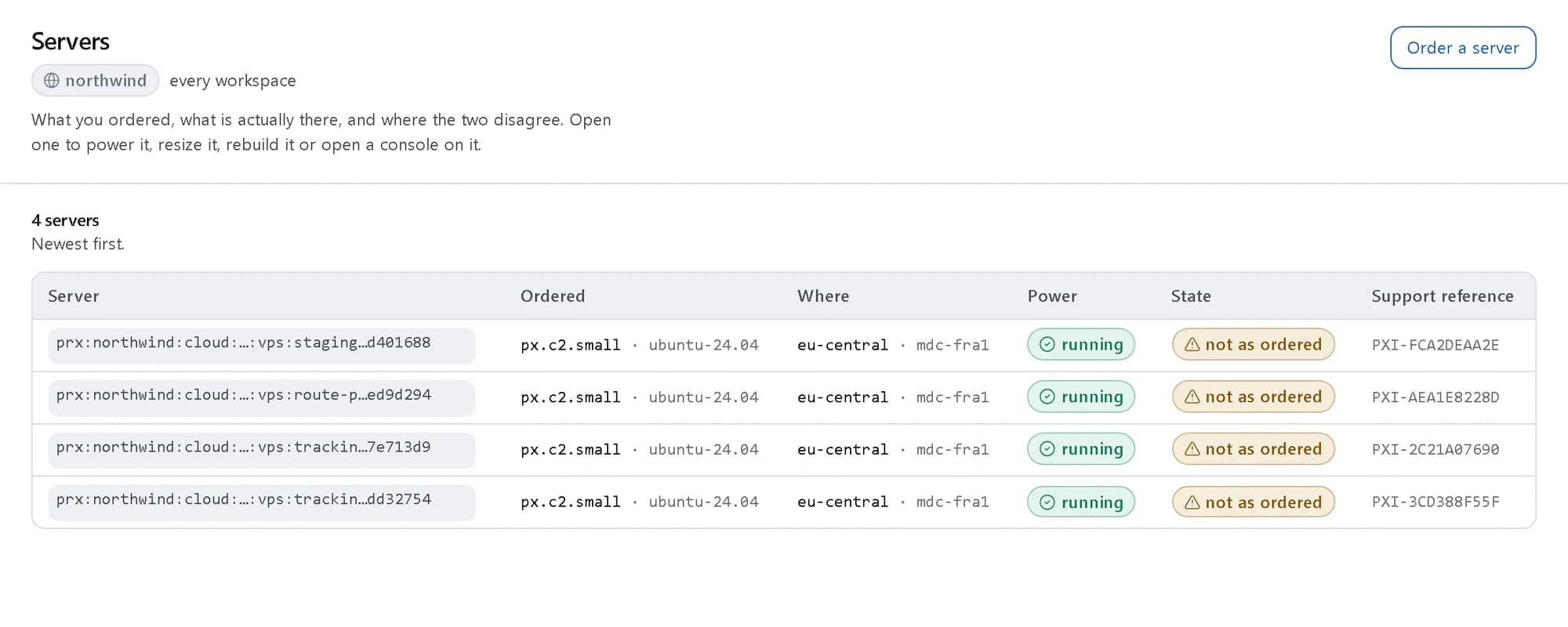
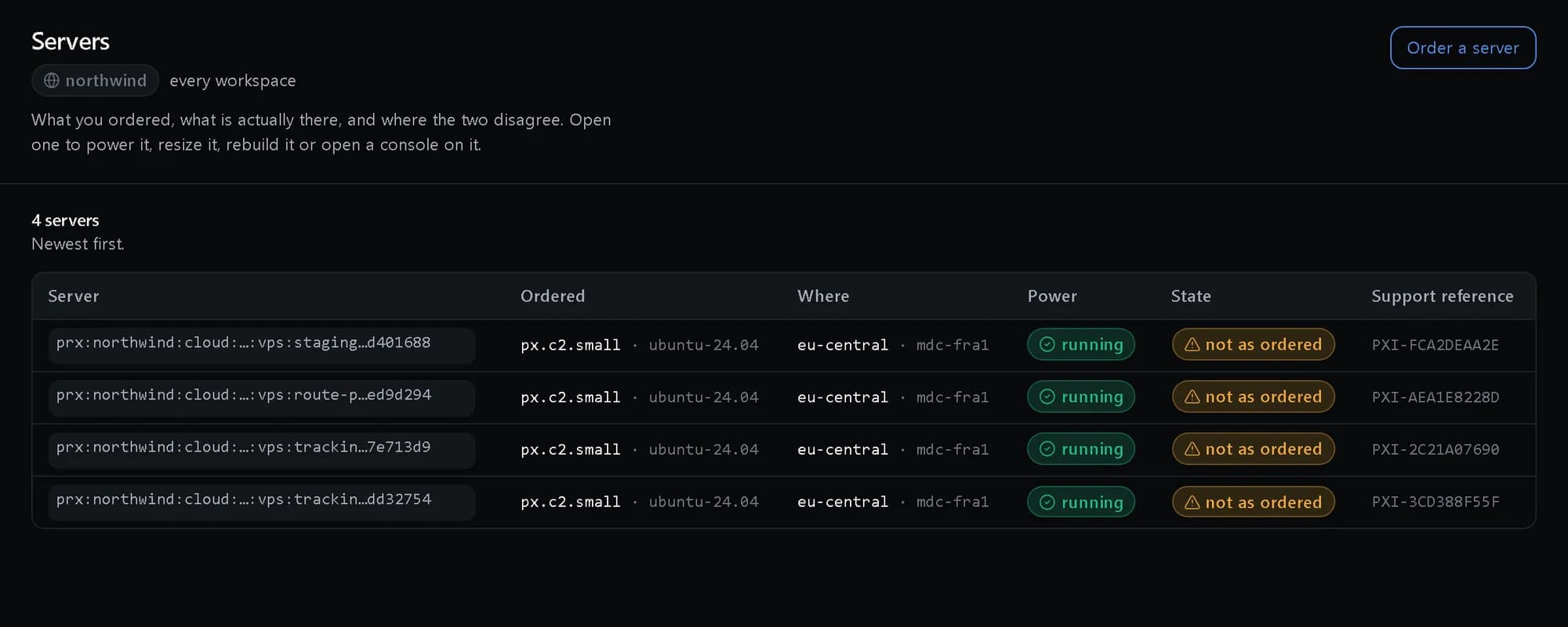
Servers: Every server in one list
Virtual and dedicated, with the power and state the platform last observed — not just what was ordered.
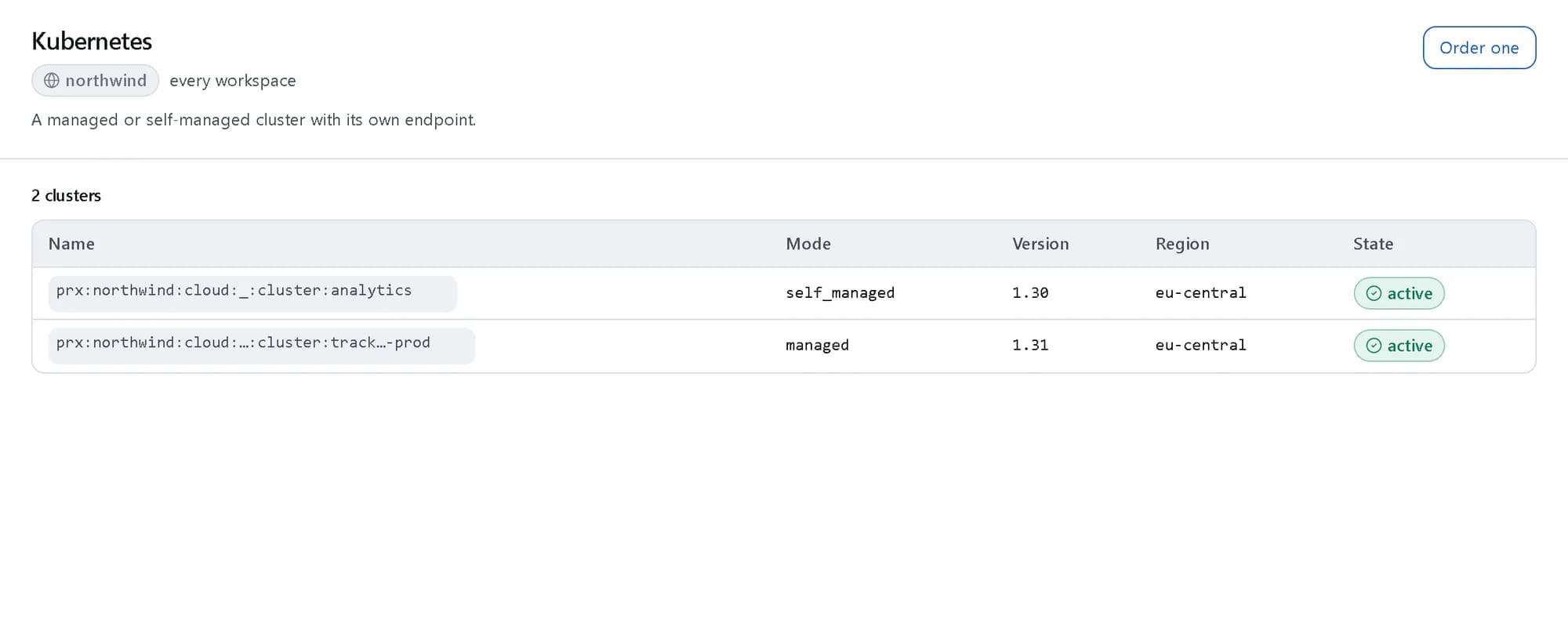
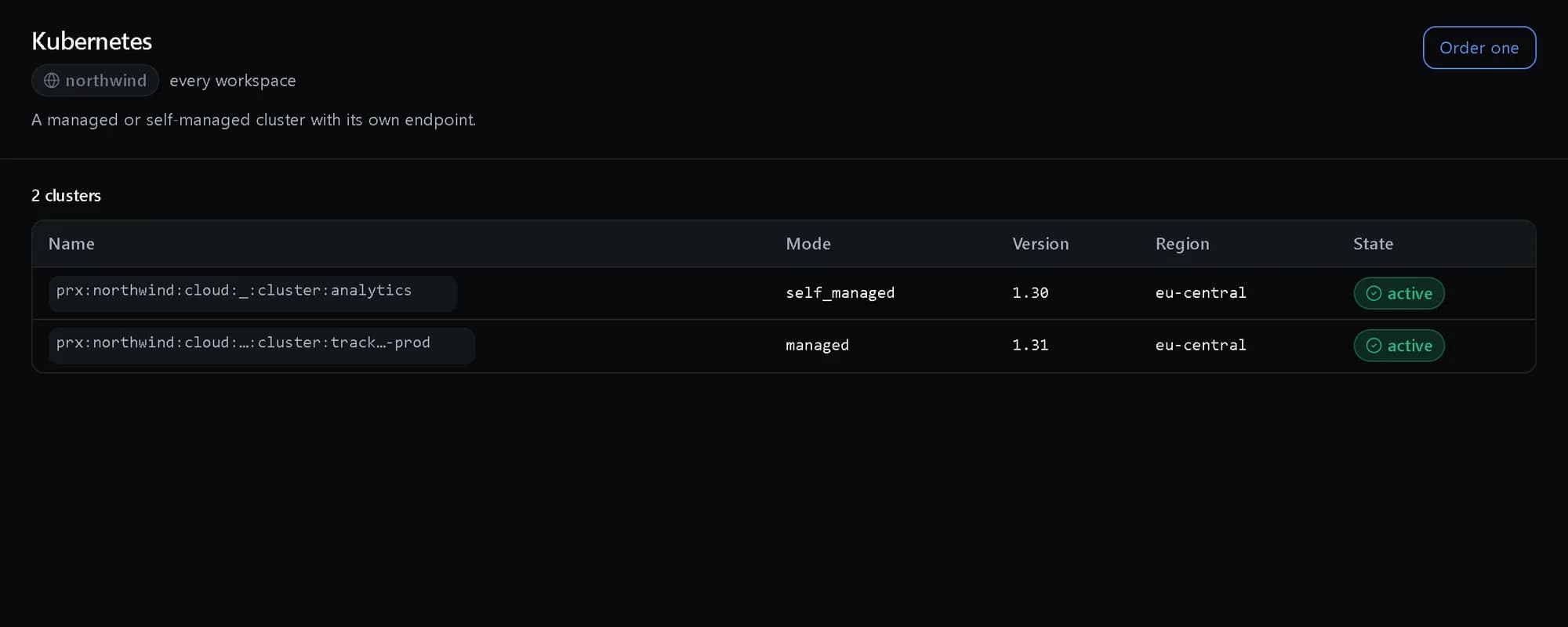
Kubernetes: Every cluster in one list
Managed and self-managed clusters side by side, each with its version, region and state.
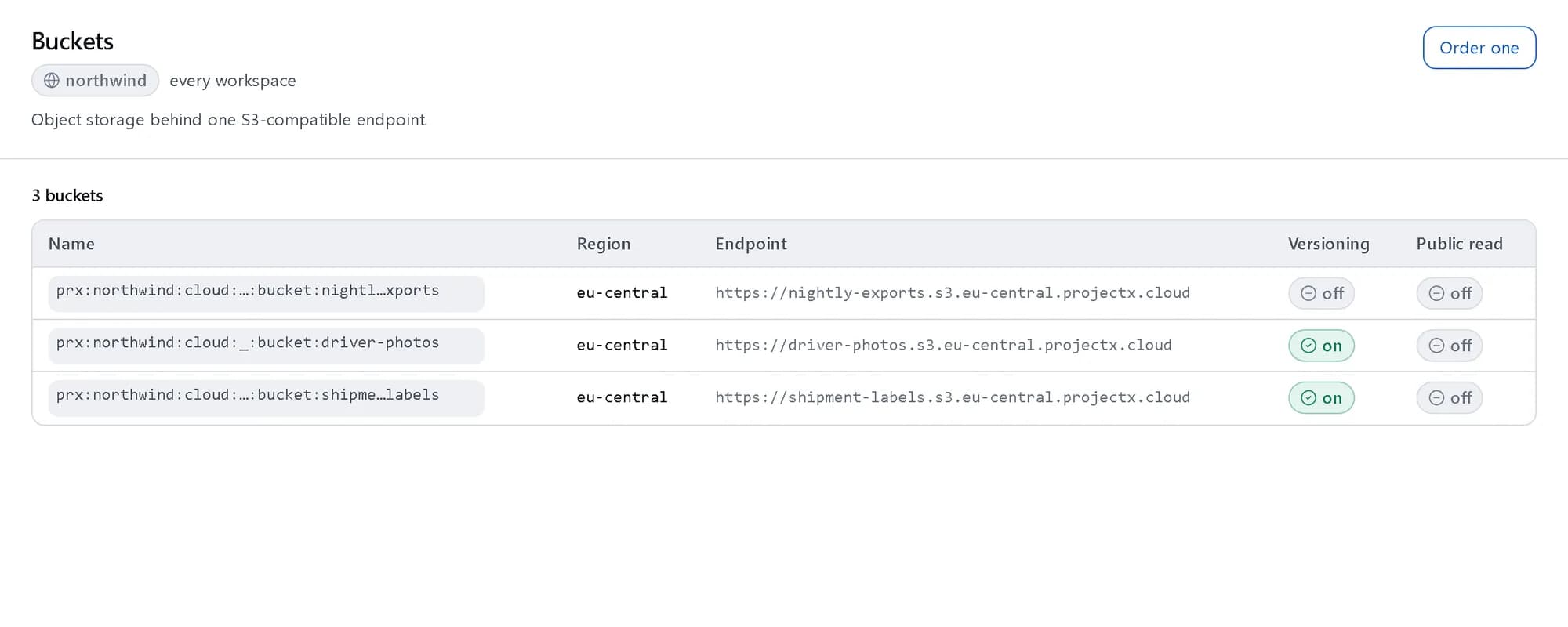
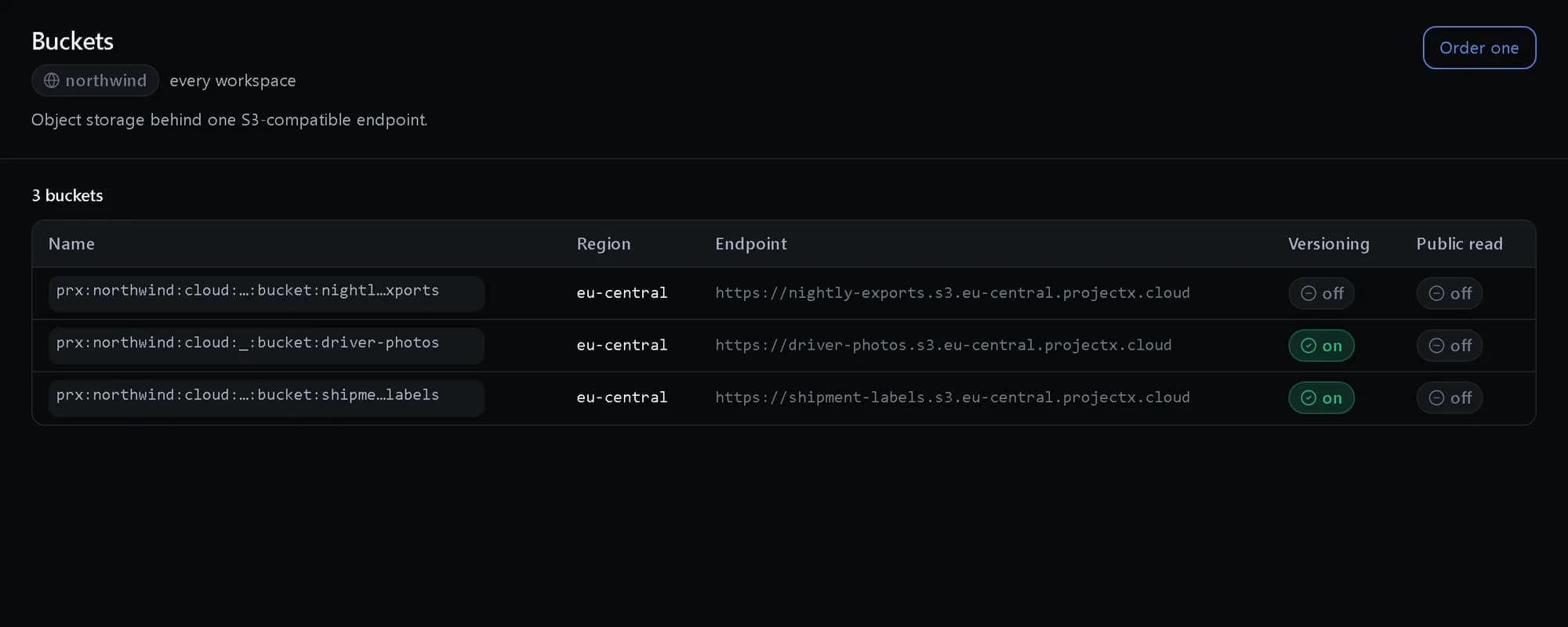
Object storage: Every bucket, one endpoint
Each bucket with its region, its S3 endpoint and whether versioning is on.
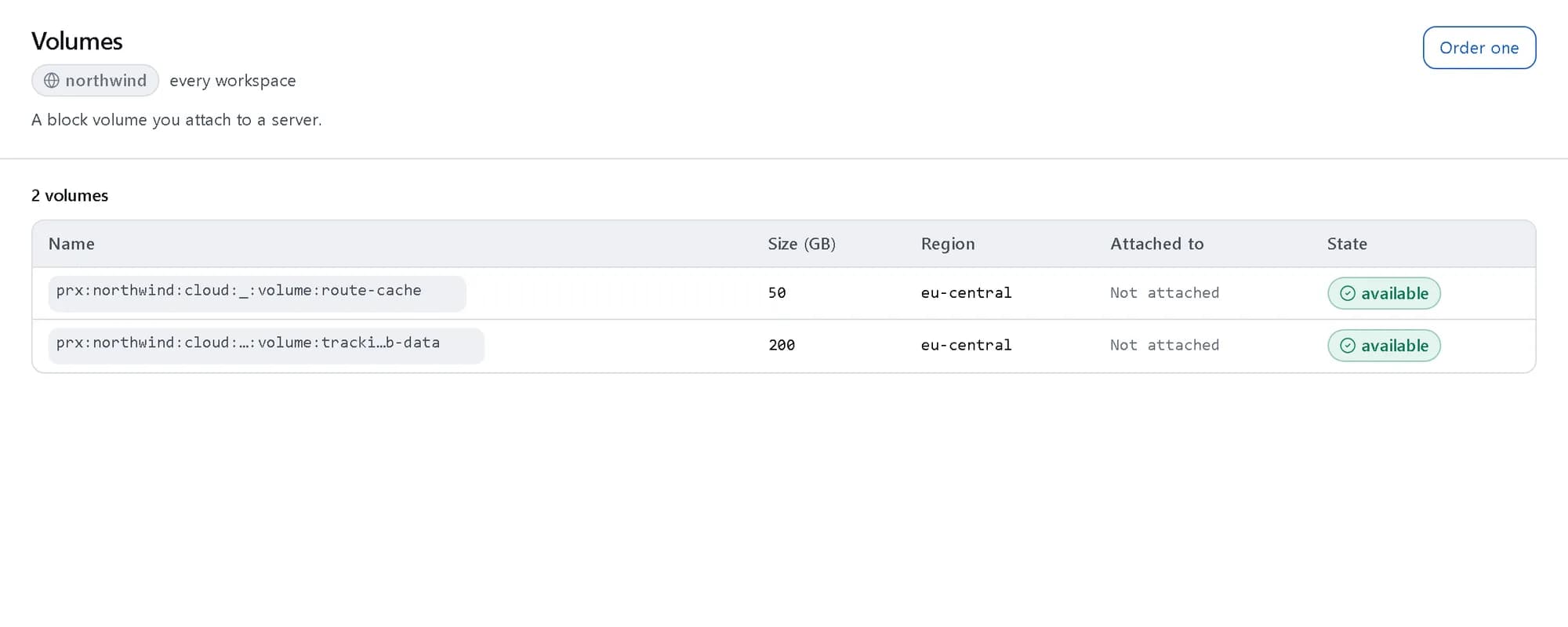
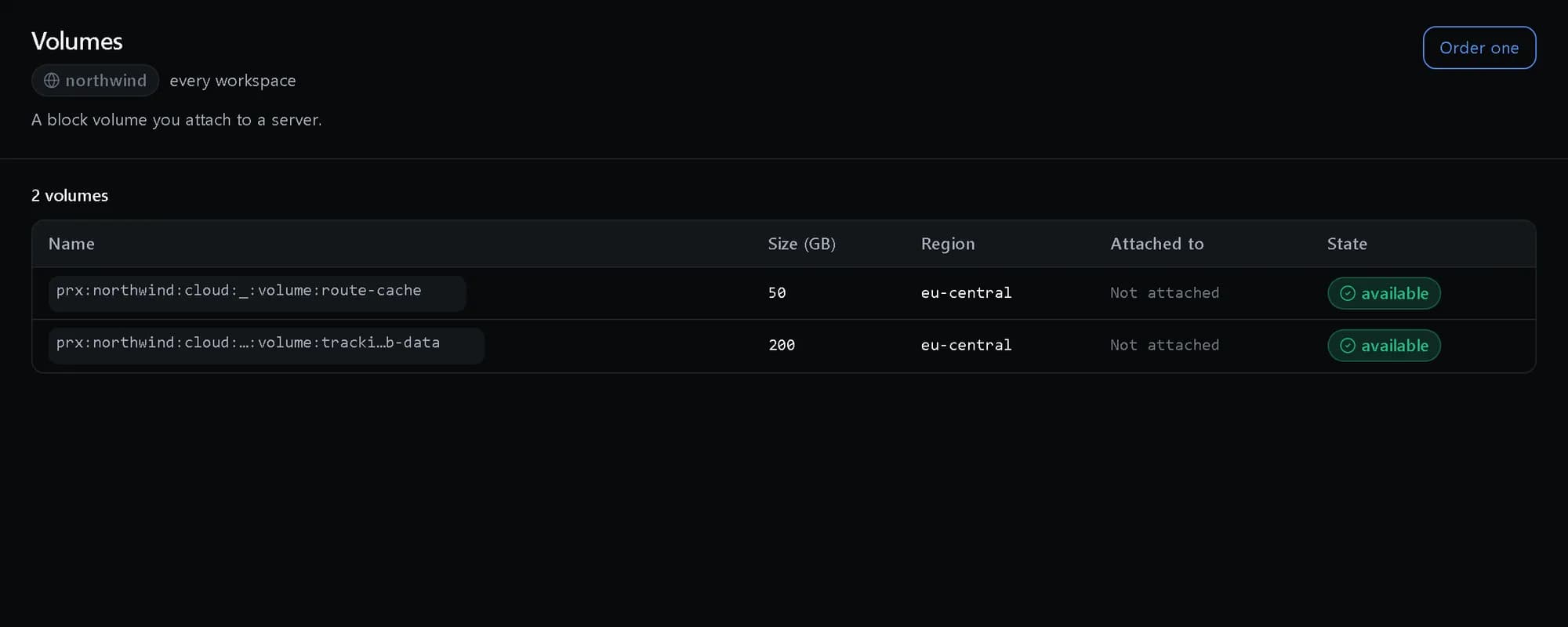
Block storage: Every volume and where it is attached
Each volume’s size, region and the server it is attached to, if any.
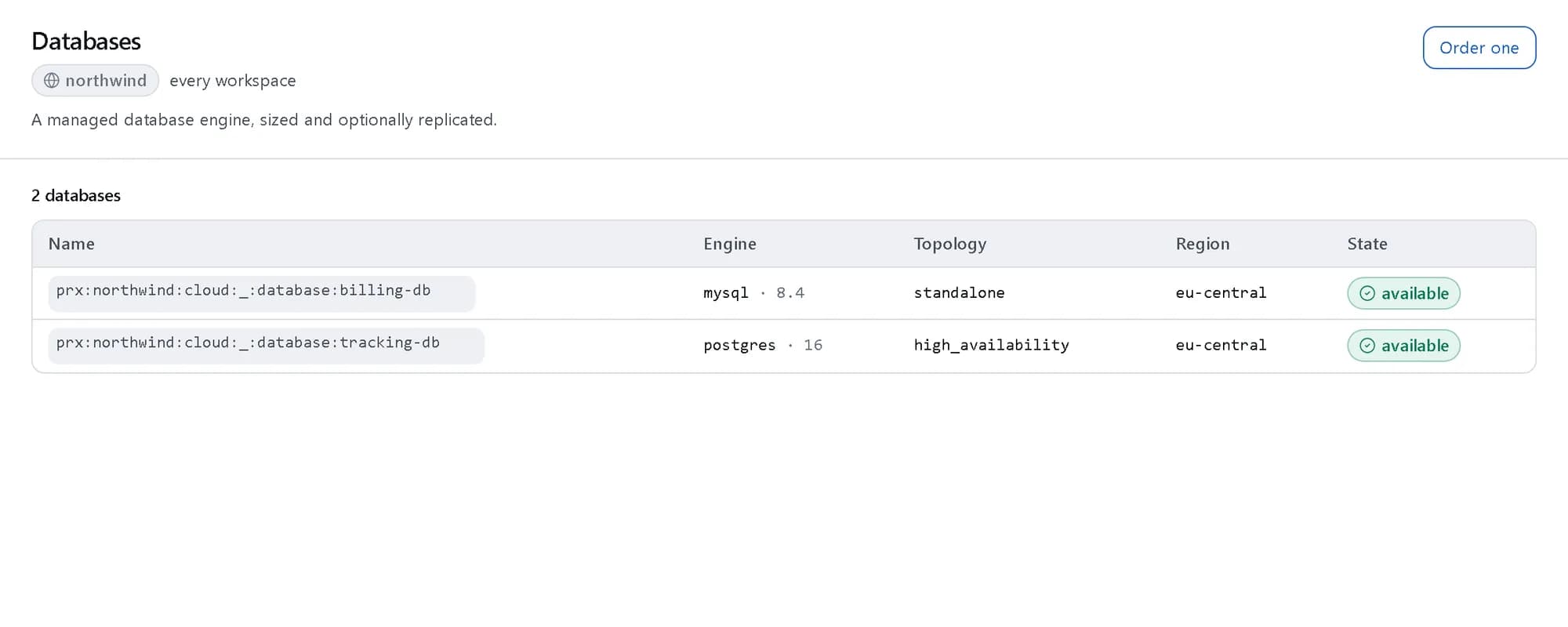
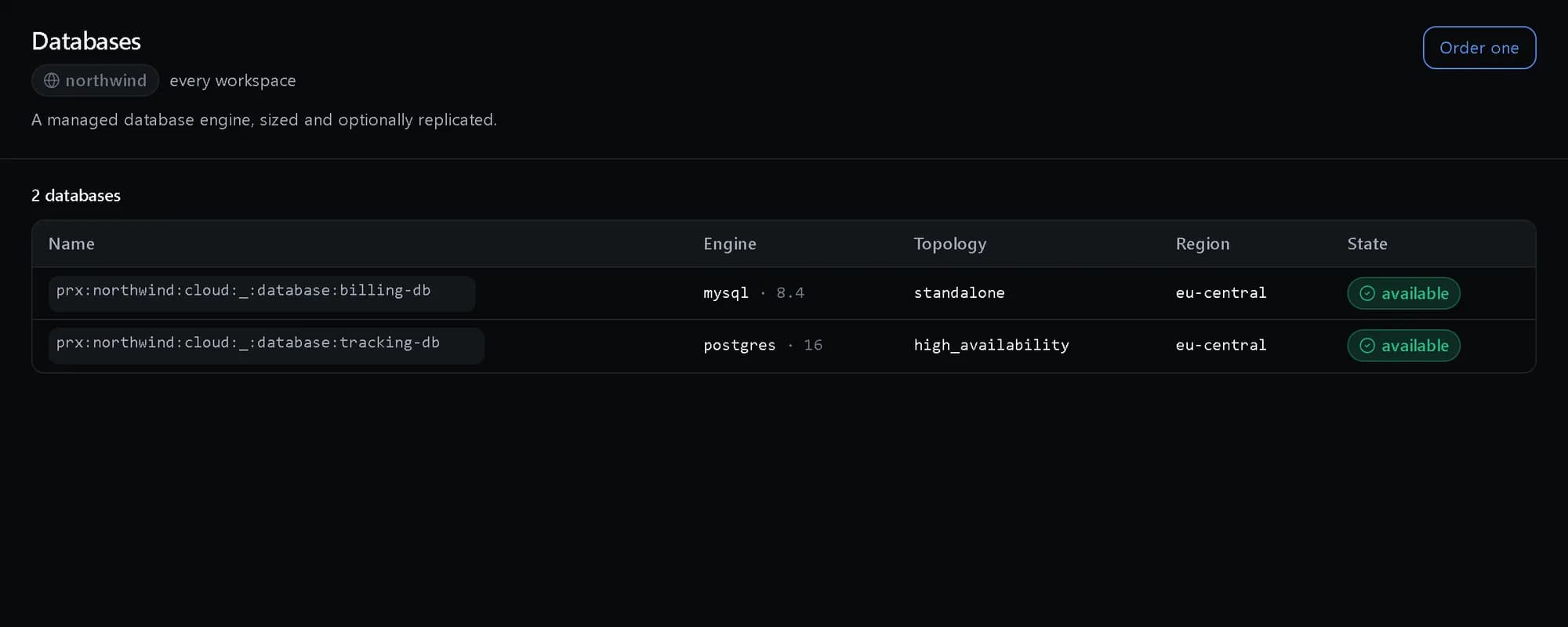
Managed databases: Every engine in one list
PostgreSQL beside MySQL, each with its version, topology and state.
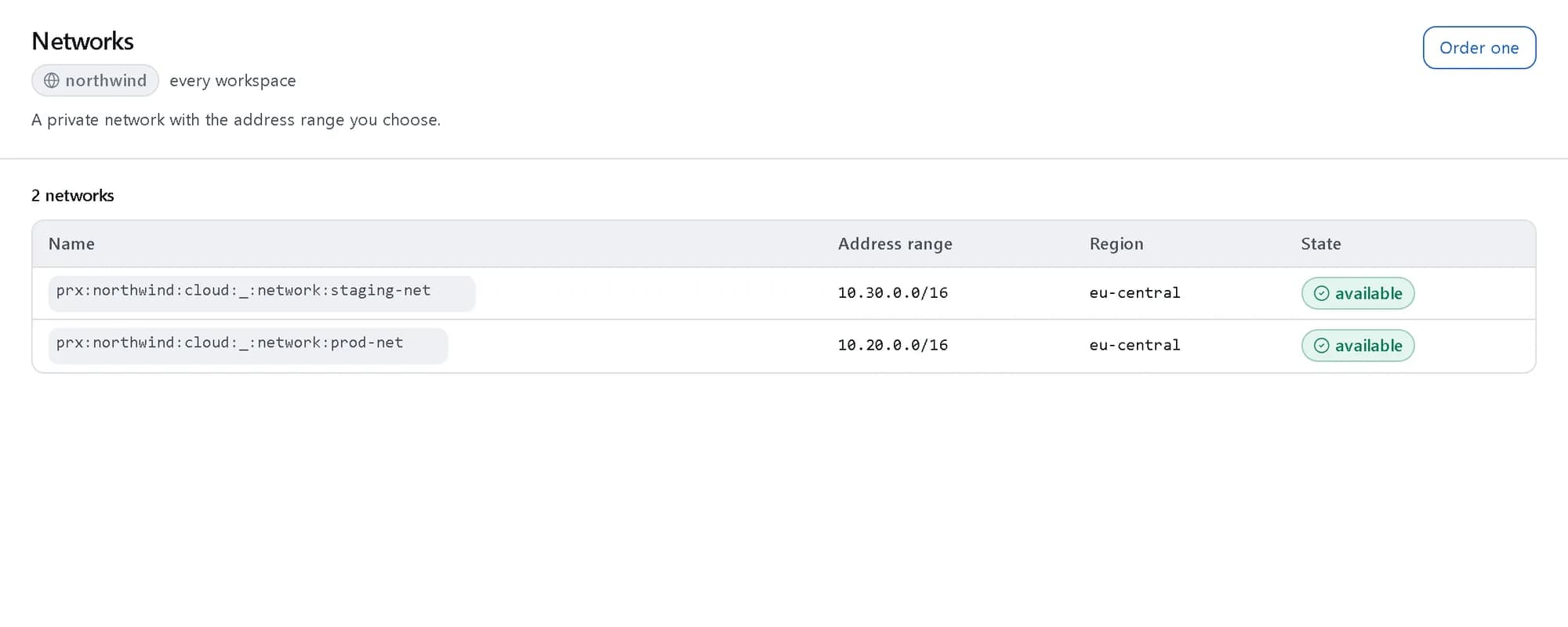
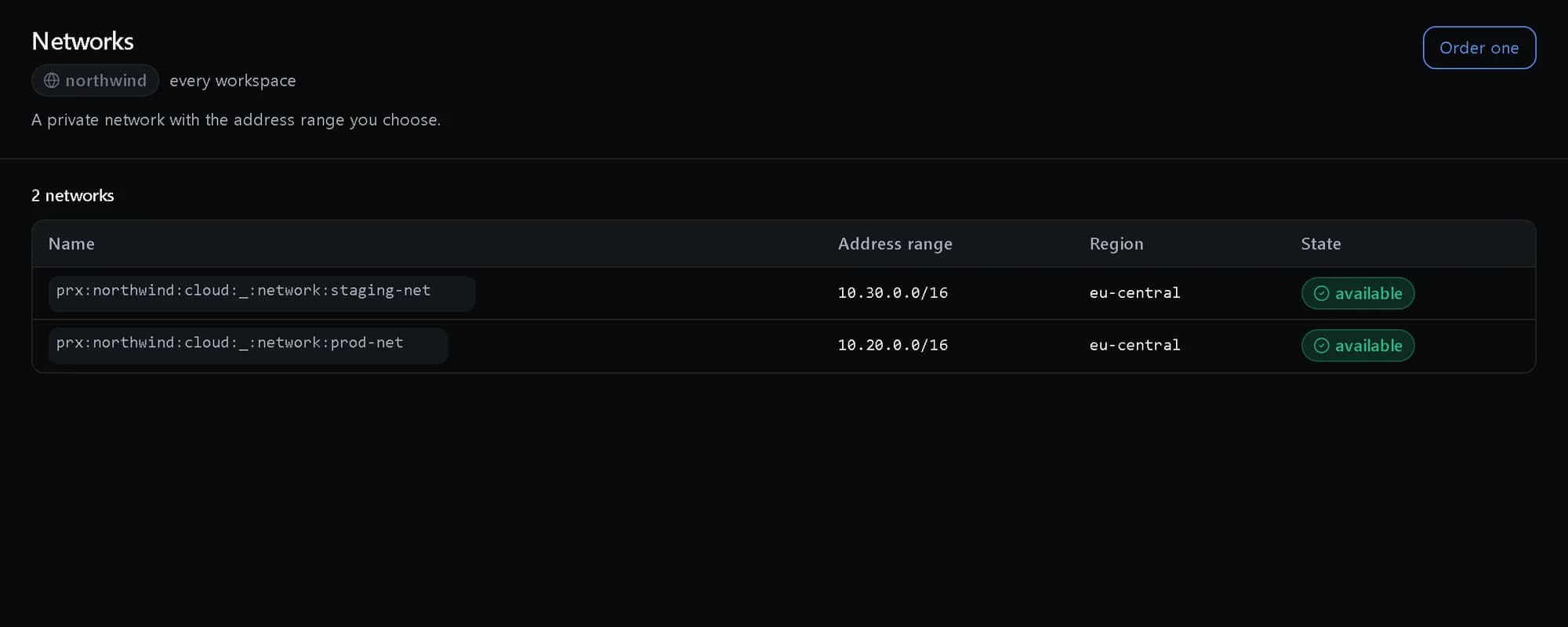
Networking: Private networks
Each network with the address range you chose for it.
Jobs it does
Use cases that run through this pillar, end to end.
The ideas behind it
- A provider-blind cloudYou order a machine class and a region in the platform’s own vocabulary. Which capacity serves it is decided at provision time, so nothing you write names a provider.Read the explainer
- Residency before placementWhere something may run is decided before where it will run. Residency rules filter the candidates first, so placement can only ever choose a compliant one.Read the explainer
- How Platform Credits workEvery product is priced in one unit, Platform Credits, at a published rate per meter. Usage draws from one balance, and one invoice covers everything.Read the explainer
Where the work happens
Cloud console
Servers with their whole lifecycle, storage, databases, networking and Kubernetes, ordering with the price on the same page, and the audited record of what was done.
Questions, answered
Whose infrastructure does it run on?
Our own data centres and partner capacity we contract — presented as one catalog, so no provider’s vocabulary ever reaches you or your customers.
How is data residency enforced?
Where a workload may run is settled by policy before a provider is chosen. An out-of-region placement is refused, not flagged afterwards.
What does it cost?
Every resource carries a published rate — per hour, per gigabyte, per request — and everything lands on one monthly invoice. The full rate card is on the pricing page.
Can we sell this cloud under our own brand?
Yes — service providers resell the same platform white-label, with their own pricing on top of the published rates.
See it running.
Create a company and try it with your own data, or talk to us about your setup.