Managed databases
One resource for every engine you run.
PostgreSQL, MySQL, MariaDB, Redis, Valkey, MongoDB, ClickHouse and Kafka, each a value of one managed database resource — so backup, upgrade and failover reach every engine without a per-engine surface. Point an application at an endpoint that names no upstream.
The advantages
The outcomes this product is built around.
Every engine, one mental model
Eight engines behind one resource model — learn backup, upgrade and failover once and it applies to Postgres, Redis, ClickHouse and the rest alike.
Failover that does not break the app
A failover leaves the connection string unchanged, so a primary going away is an event, not an incident with a deploy attached.
A wrong timestamp costs a throwaway
Point-in-time recovery restores into a new database, so a mistaken restore never destroys the original you were trying to protect.
Upgrades with a way back
Version upgrades are orchestrated with rollback, and query, connection and replication-lag figures are read live while you watch.
- connection string that survives a failover unchanged
- 1
- endpoints, so reads can go to replicas and writes to the primary
- 2
- in the retention window you can restore to
- Any second
See it in the console
Real screens from the product, not mock-ups.
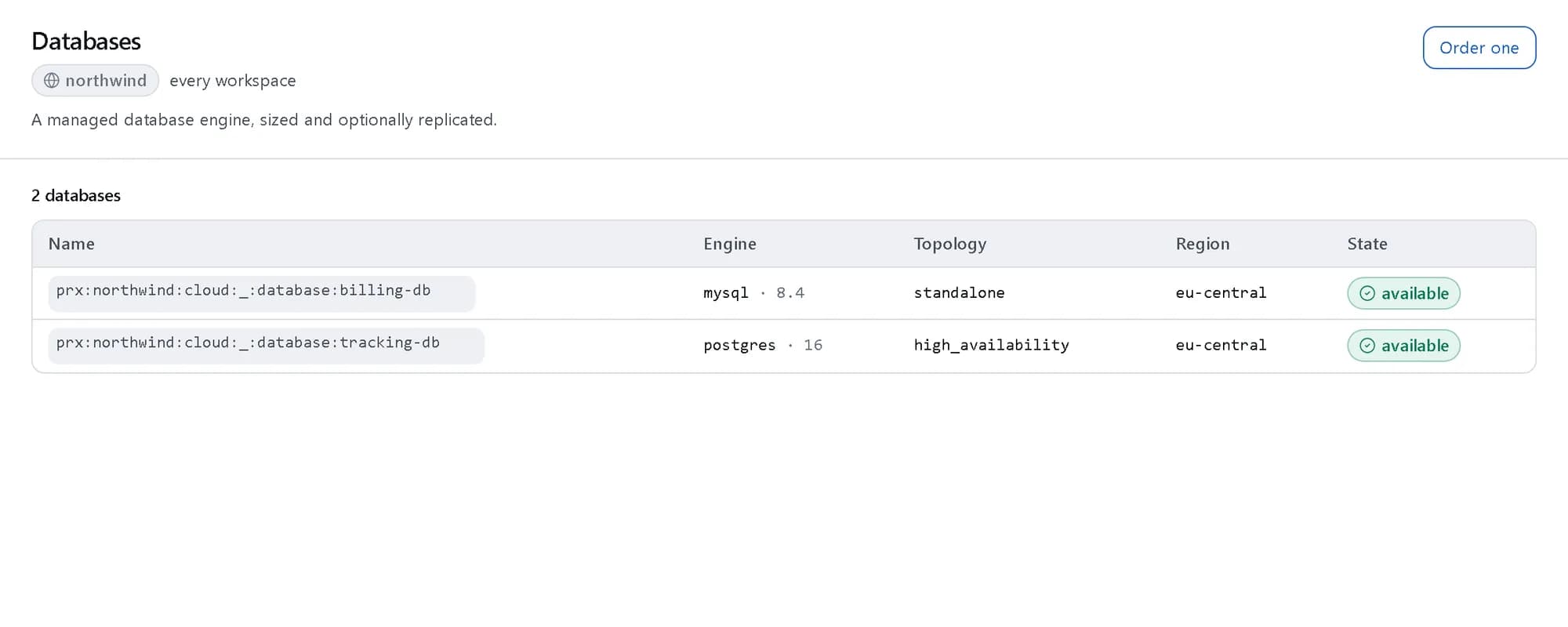
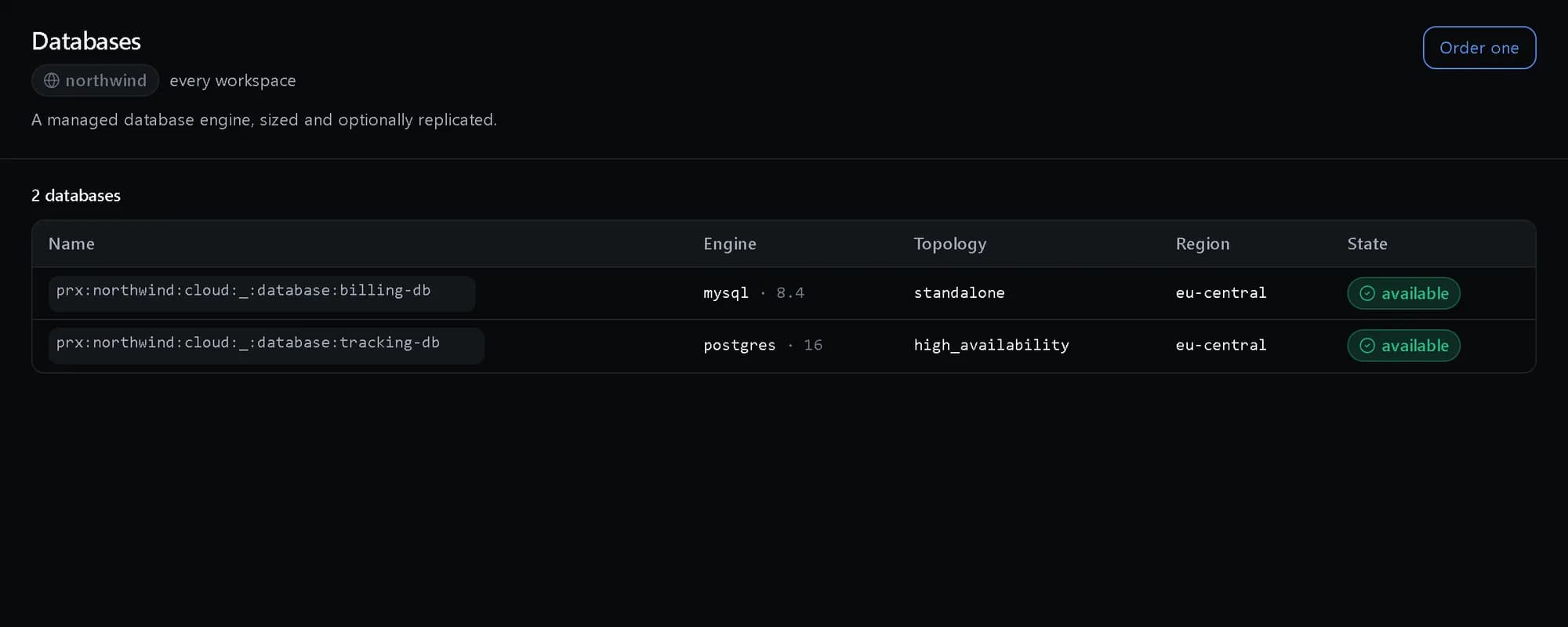
Every engine in one list
PostgreSQL beside MySQL, each with its version, topology and state.
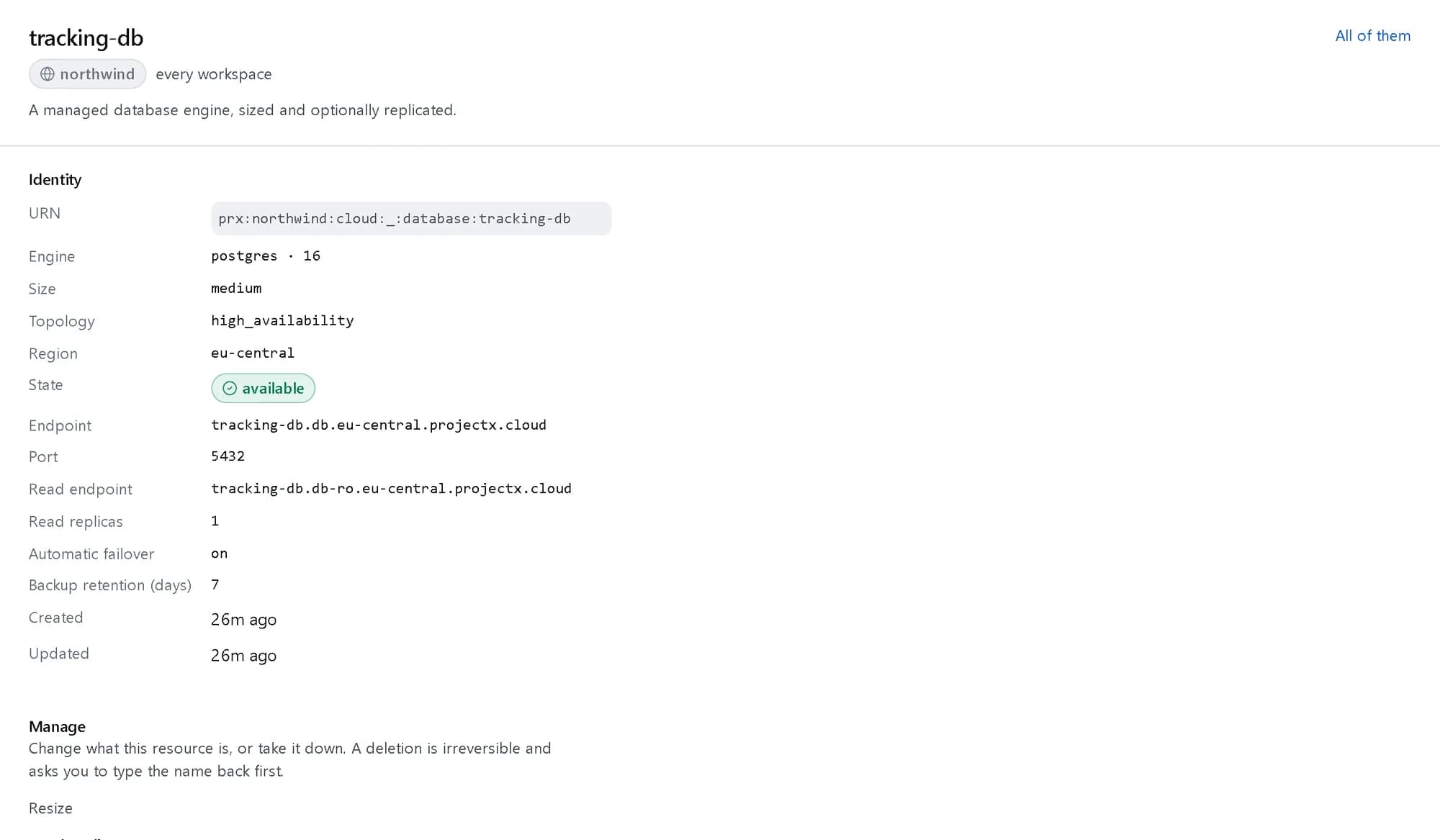
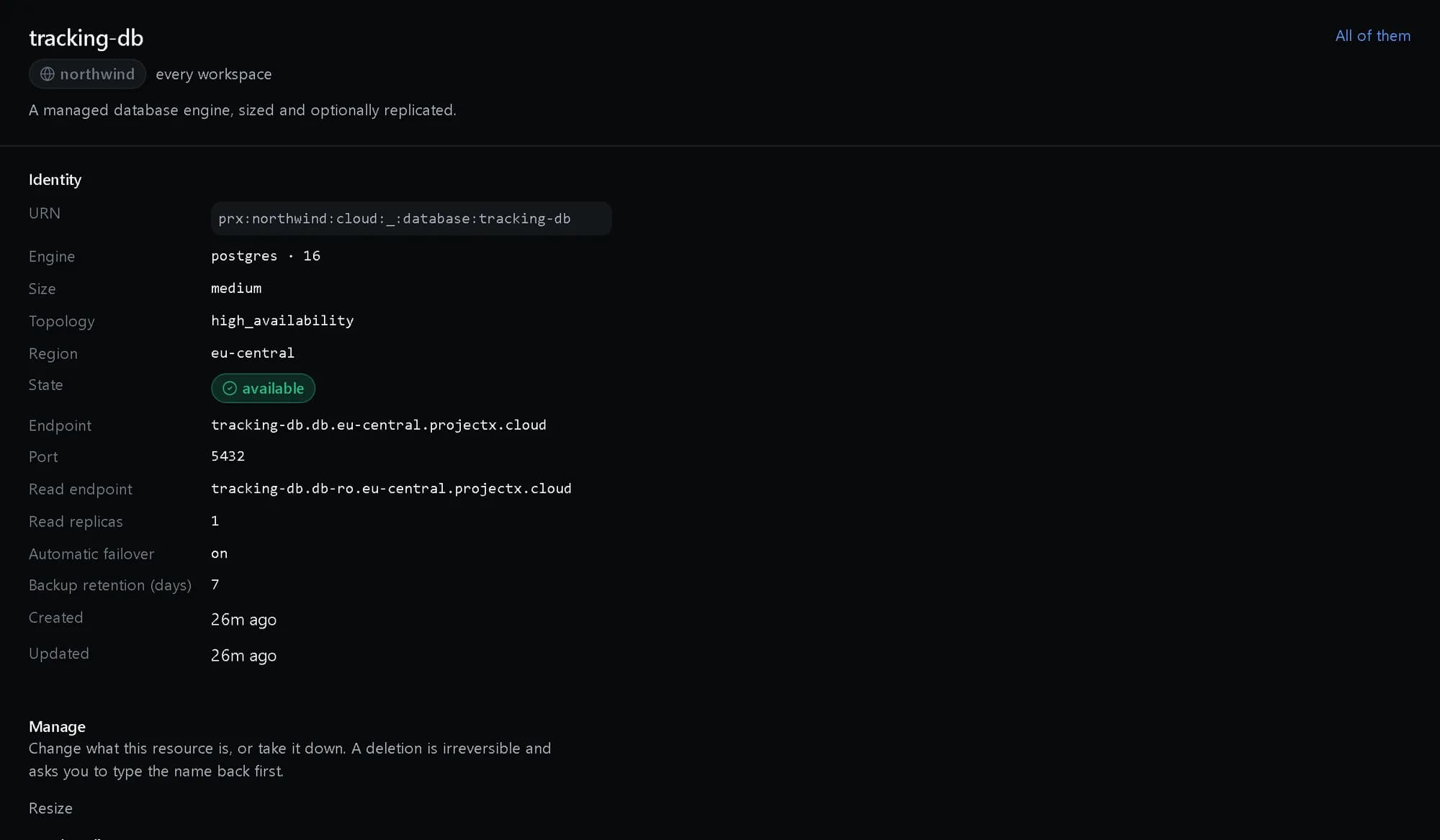
One database in detail
Its primary and read endpoints, replicas, automatic failover and how many days of backups it keeps.
How it fits together
What happens between your request and a running resource.
Your application connects to one endpoint for writes and another for reads. Behind them the platform runs the primary and its replicas, fails over without changing the address, and takes the continuous backups a point-in-time restore draws on.
- Application: one connection string (Your app)
- Primary endpoint: reads and writes (The platform)
- Read endpoint: spread over replicas (The platform)
- Primary: with standby (Behind it)
- Replicas: read only (Behind it)
- Backups: point in time (Behind it)
- Application to Primary endpoint
- Application to Read endpoint
- Primary endpoint to Primary: fails over
- Read endpoint to Replicas
- Primary endpoint to Backups: continuous
Who it is for
The teams and situations this product was built for.
Product backends
A relational database that survives a node failure.
PostgreSQL or MySQL in an HA topology, with read replicas on their own endpoint.
Caching and queues
Fast in-memory stores without babysitting.
Redis and Valkey as managed resources with the same backup and upgrade story.
Analytics and streams
Columnar analytics and event streams next to your operational databases.
ClickHouse and Kafka on the same resource model and the same invoice.
What it does
The core capabilities, live in the product today.
The engines you run
Postgres, MySQL and MariaDB, Redis and Valkey, and the Mongo / ClickHouse / Kafka trio, each with its own validated version menu and default port on one resource.
Eight engines behind one resource model, so backup, upgrade and failover are learned once and apply to all of them. Each engine carries its own validated version menu — no “latest or nothing” surprises.
HA topology and failover
Standalone, high-availability or cluster chosen rather than implied, with read replicas on a distinct read endpoint and a failover verb that leaves the connection string unchanged.
You choose the topology explicitly. Read replicas answer on their own endpoint for reporting and read-heavy work, and when a primary fails over, the application’s connection string does not change.
Point-in-time recovery
Continuous backup to any moment in the retention window, restored into a new database so a wrong timestamp costs a throwaway rather than the original.
Pick any moment in the retention window and the restore lands in a new database. Compare it, promote it, or throw it away — the original you were protecting is never at risk from the restore itself.
Upgrades, pooling and monitoring
Orchestrated version upgrades with rollback, an optional connection pooler on its own endpoint, and query, connection and replication-lag figures read live.
Upgrades are orchestrated with a recorded way back. The optional pooler absorbs chatty applications on its own endpoint, and the figures you need in an incident — queries, connections, replication lag — are read live.
The ideas behind it
The words this page uses, explained once.
- Topology
- Standalone, high availability with a standby, or a native multi-node cluster — chosen when you create the database and changed later as it grows.
- Read endpoint
- A second address that spreads queries across the read replicas, so heavy reporting does not slow down writes.
- Point-in-time recovery
- Restore to any moment inside the retention window, as a new database — the original keeps running while you check the restore.
- The engines
- PostgreSQL, MySQL, MariaDB, Redis, Valkey, MongoDB, ClickHouse and Kafka, each provisioned the same way.
In depth
The detail an evaluation asks for.
Availability
High availability keeps a standby ready; failover promotes it and the endpoint follows, so applications reconnect to the same address. A failover drill proves it works before you need it.
Upgrades and tuning
Version upgrades are orchestrated with a way back, parameter groups hold engine settings, and a connection pooler answers on its own endpoint so a busy app does not exhaust the engine.
Watching it
Query performance, connections and replication lag are monitored for every database, on the same alerting as the rest of the platform.
How it works
- Console
Pick an engine
PostgreSQL, MySQL, MariaDB, Redis, Valkey, MongoDB, ClickHouse and Kafka — one resource model for all of them.
- Console
Choose the topology
Standalone, high-availability or cluster, with read replicas on their own endpoint.
- Connection string
Point your app at one endpoint
The endpoint names no upstream, and a failover never changes the connection string.
- API
Sleep at night
Continuous backup with point-in-time recovery, orchestrated upgrades and live monitoring figures.
In code
The same task in the CLI and both SDKs. Every call shown exists in the API.
prx CLI
Create a highly available PostgreSQL database
prx cloud database create --body '{"name":"tracking-db","engine":"postgres","version":"16","size":"medium","region":"eu-central","topology":"high_availability"}'prx cloud database get tracking-dbTypeScript SDK
Create a highly available PostgreSQL database
await client.cloud.database.create({ name: 'tracking-db', engine: 'postgres', version: '16', size: 'medium', region: 'eu-central', topology: 'high_availability' });const { endpoint, read_endpoint } = await client.cloud.database.get('tracking-db');Python SDK
Create a highly available PostgreSQL database
client.cloud.database.create({"name": "tracking-db", "engine": "postgres", "version": "16", "size": "medium", "region": "eu-central", "topology": "high_availability"})db = client.cloud.database.get("tracking-db")The difference
The way this job usually goes, and the way it goes here.
The usual way
With ProjectX
Eight engines, eight consoles, eight backup scripts to keep alive.
One resource model for all eight engines — backup, upgrade and failover learned once.
A failover means a new connection string and an emergency deploy.
Failover leaves the connection string unchanged — an event, not an incident.
A restore overwrites the production database it was meant to save.
Point-in-time recovery restores into a new database, so the original is never at risk.
Works with your tools
Every surface below drives the same product — script it, click it, or hand it to your existing tooling.
- Console
- API
- Connection pooler
- Read-replica endpoint
Questions, answered
Which engines are available?
PostgreSQL, MySQL, MariaDB, Redis, Valkey, MongoDB, ClickHouse and Kafka — each with a validated version menu on the same resource model.
What does high availability include?
You choose standalone, HA or cluster explicitly. HA brings automatic failover that leaves the connection string unchanged, plus read replicas on a distinct read endpoint.
How do restores work?
Continuous backup lets you pick any moment in the retention window. The restore lands in a new database, so the original is never at risk from the restore itself.
How is it billed?
By the instance-hour for the engine, size and topology at published rates, on the one monthly invoice. The rate card is on the pricing page.
Products it works with
Same platform, same console, same invoice.
Start with ProjectX today.
Create a company in minutes and add this product to your invoice at the published rate.