Recovering from a bad change
Undo the bad change, whichever layer it was made in.
Roll a table back to the snapshot before the bad write, restore a database to a point in time, recover servers and objects from snapshots and versions, roll a workflow back to its last good version, and let reconciliation repair drift on its own.
For Platform, SRE, Data
The situation
A migration overwrote a table, a schema upgrade broke the database and an automation started doing the wrong thing, all on the same Friday. Each layer has its own backup story, and some have none.
How it works
Step by step, and the product each step happens in.
01
Roll the table back
Every write is a snapshot. Query the table as it was, then roll back or branch from the snapshot before the bad write.
In LakehouseData workspace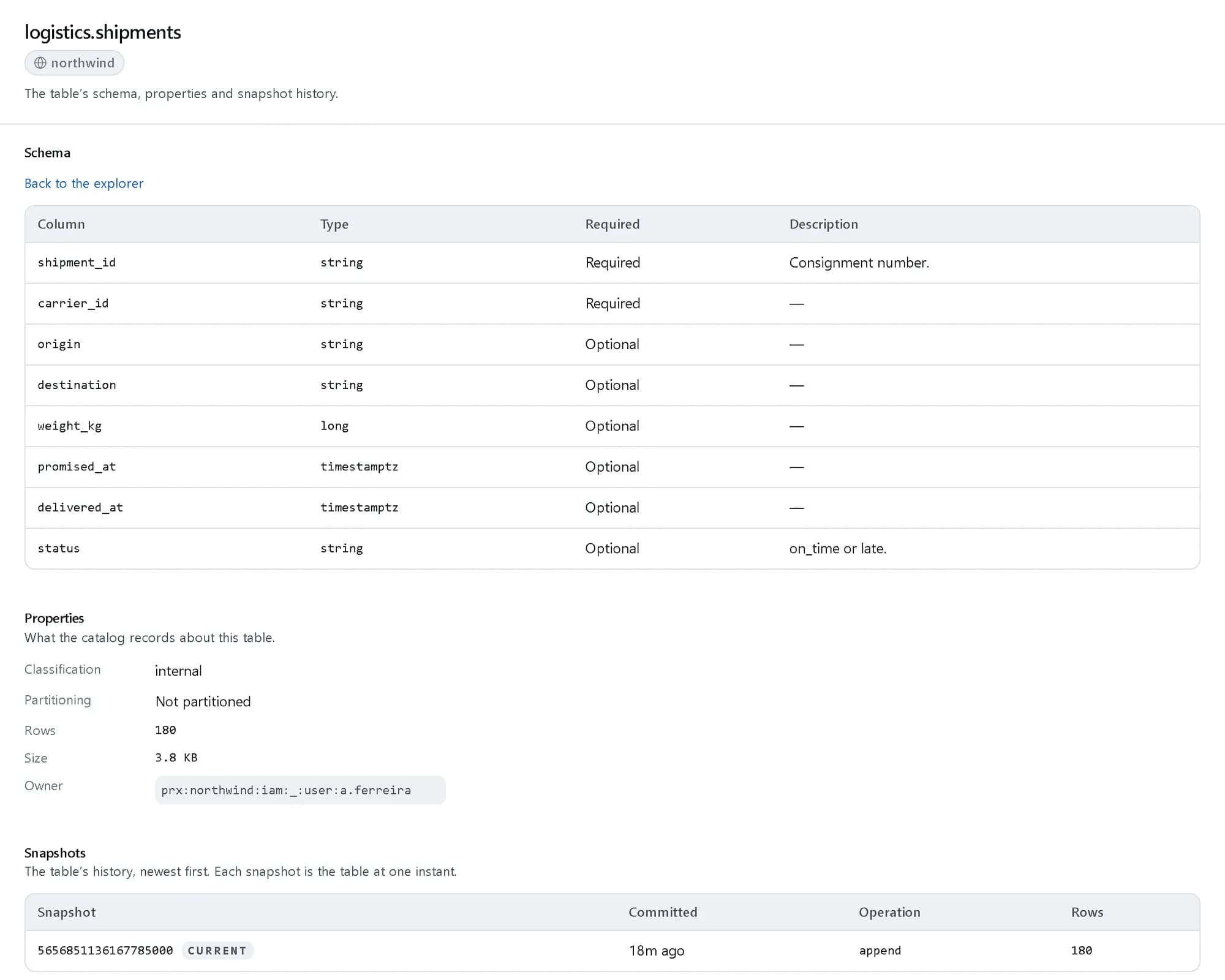
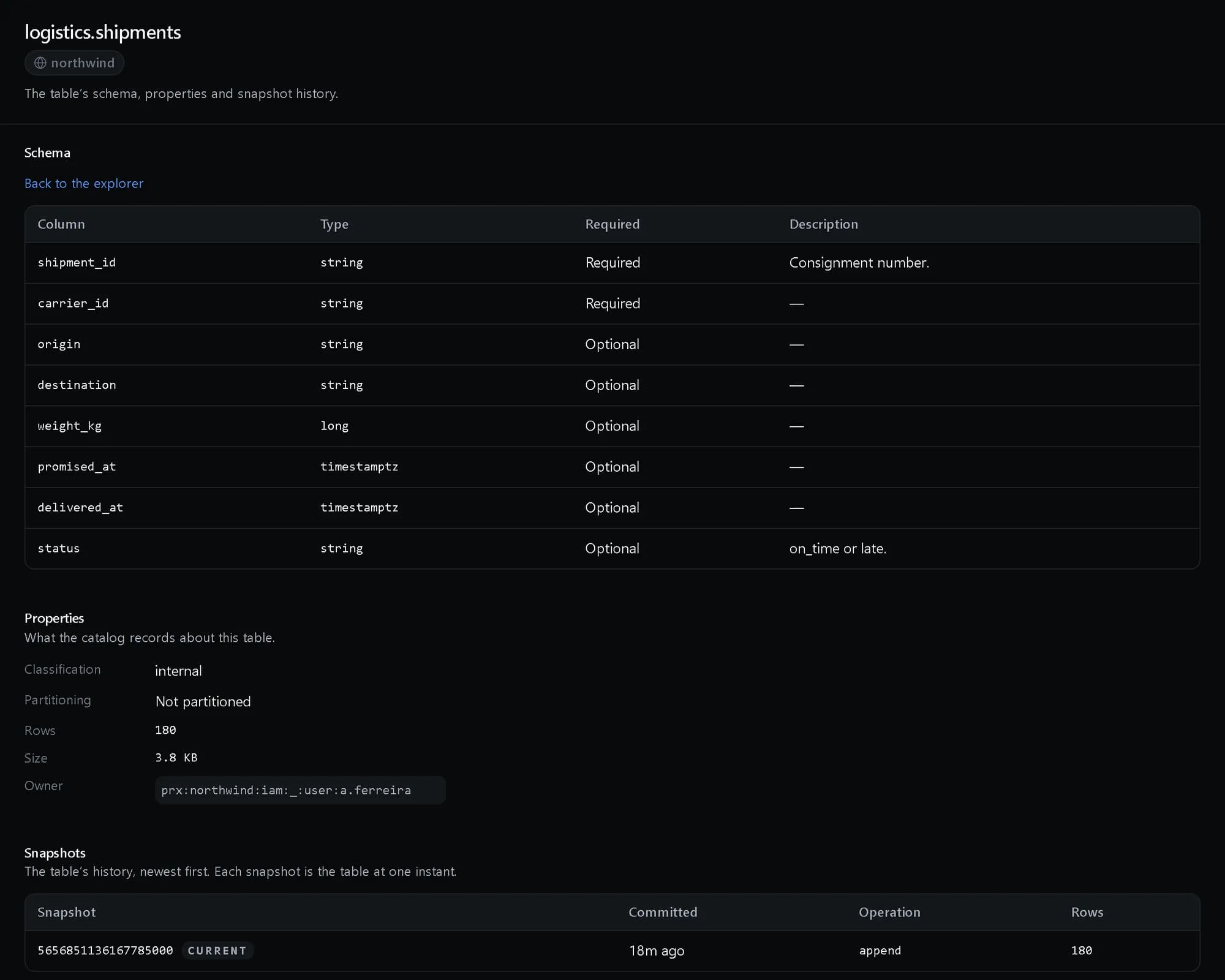
One Iceberg table: schema, properties and the snapshot history. Shown with demo data. 02
Restore the database
Point-in-time recovery from automated backups, and version upgrades that roll back.
In Managed databasesCloud console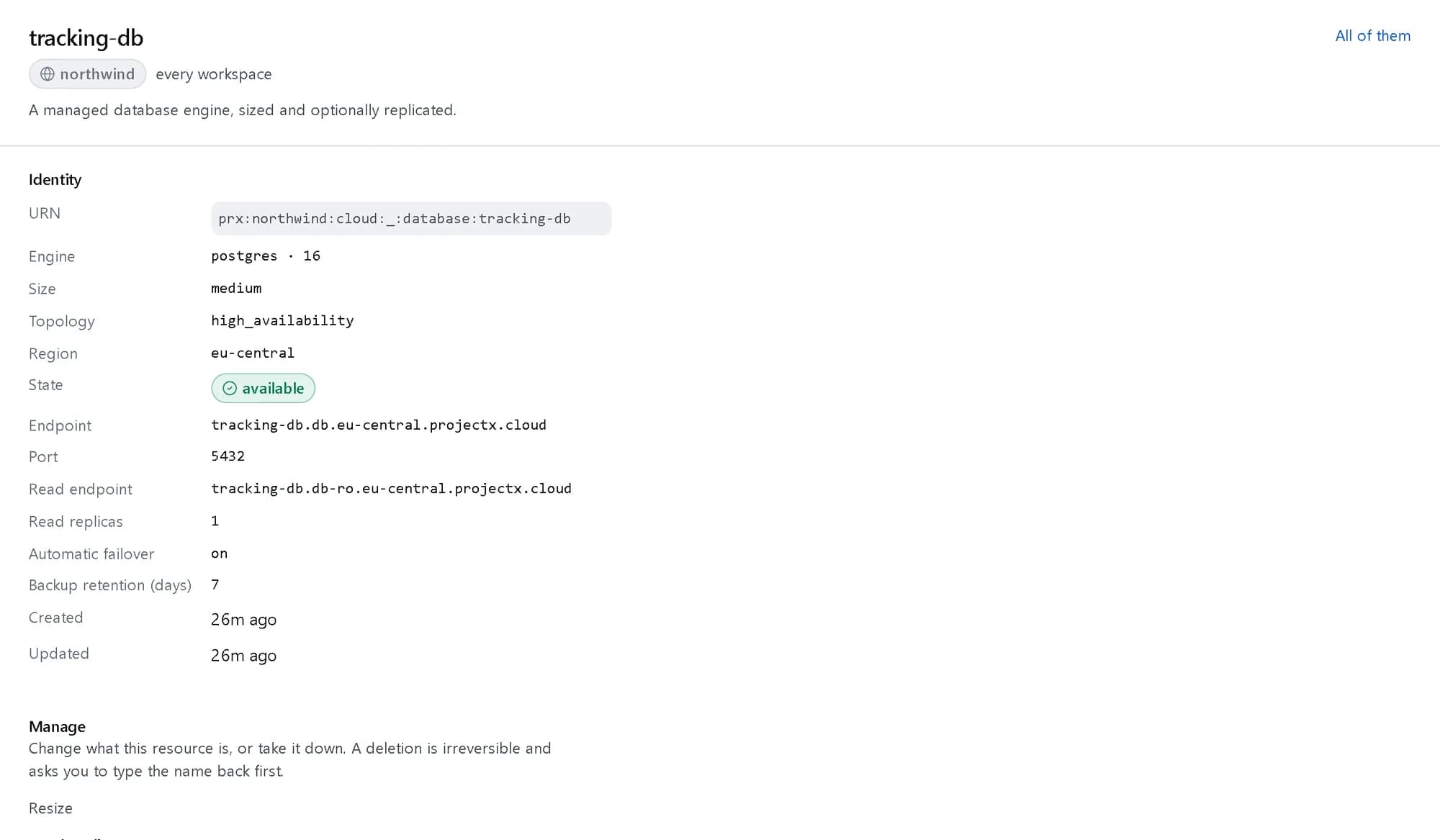
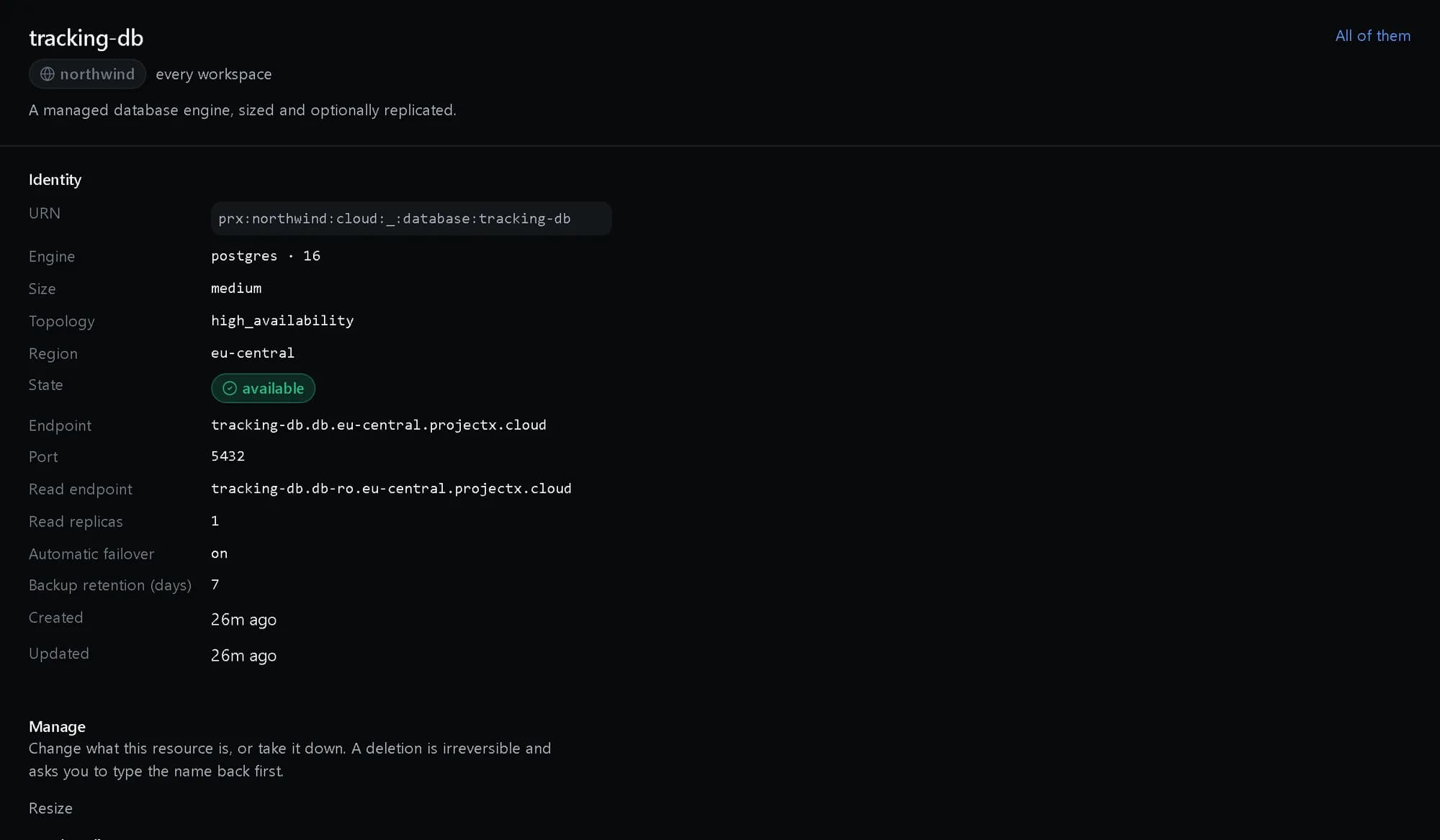
One database: primary and read endpoints, replicas, failover and backups. Shown with demo data. 03
Recover servers and files
Scheduled server snapshots, object versioning and backup policies with retention tiers and cross-provider copies.
In Backups04
Roll the automation back
Republish the last good version of a workflow; the history keeps every version that ran.
In Workflows & Agents05
Let drift repair itself
Every resource has a desired state; drift is detected and alerted, and reconciliation brings it back.
In Servers
What you get
Every layer has an undo
Tables, databases, servers, objects and workflows each roll back on their own terms.
History, not just backups
Time travel and version history show what changed, not only a copy to restore.
Drift found, not discovered
Detected drift raises an alert instead of waiting for an outage.
The products involved
Lakehouse
Open Iceberg tables you can always take with you.
View productManaged databases
One resource for every engine you run.
View productBackups
Retention tiers and cross-provider copies.
View productWorkflows & Agents
Automate the response, and keep every step accountable.
View productServers
Virtual and dedicated servers from one catalog.
View product
Questions, answered
Can we rehearse a failover?
Yes. Managed databases support on-demand failover drills.
Are backups kept somewhere else?
Backup policies can copy to another provider, with retention tiers and an archive tier.