Pilot-first device rollouts
Change the fleet a ring at a time, and grant admin rights by the hour.
Roll baselines and apps out to a pilot ring before everyone, see drift against the version you published, and replace standing local admin with time-boxed elevation that someone approved.
For IT, Security, Help desk
The situation
A configuration change goes to every laptop at once and the help desk finds out first. Half the company has local admin because someone once needed to install a printer driver.
How it works
Step by step, and the product each step happens in.
- Admin console
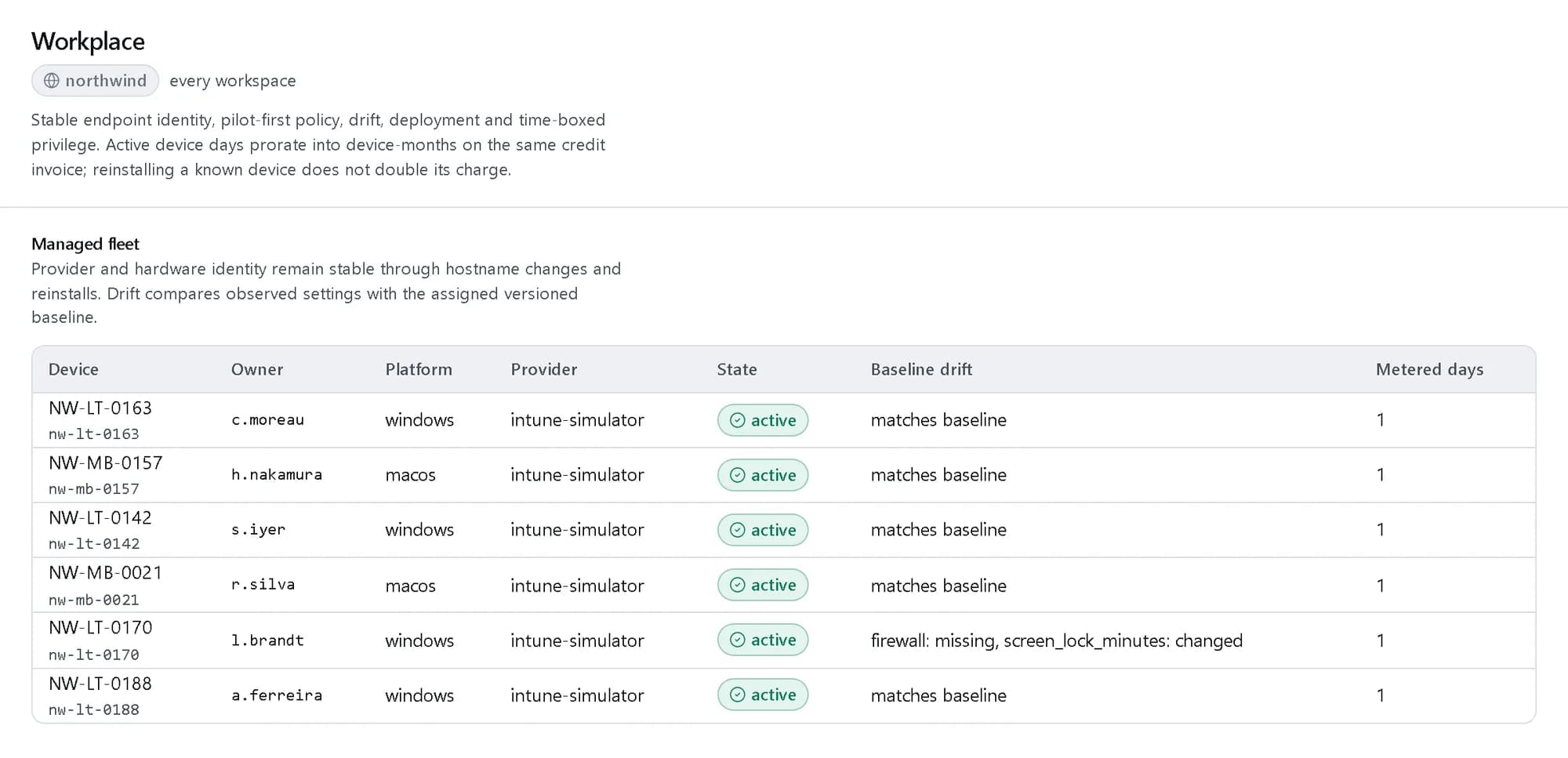
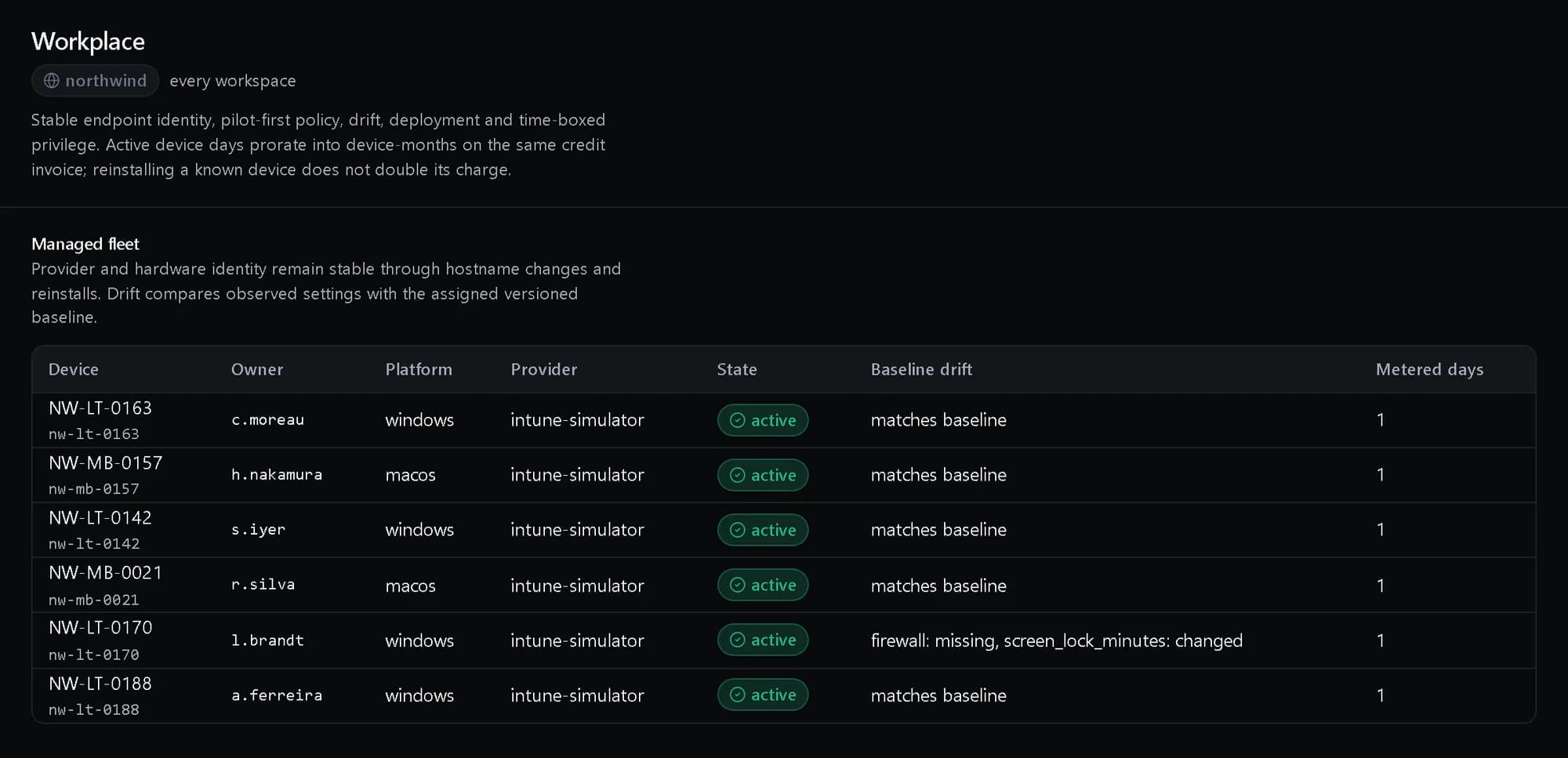
The managed fleet, with drift from the baseline named per device. Shown with demo data. 02
Roll out in rings
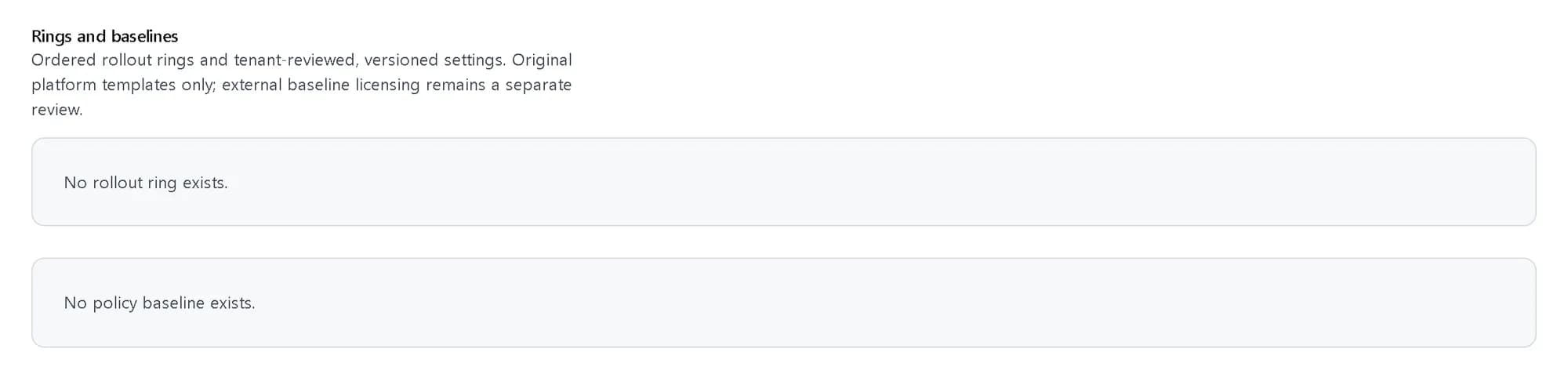
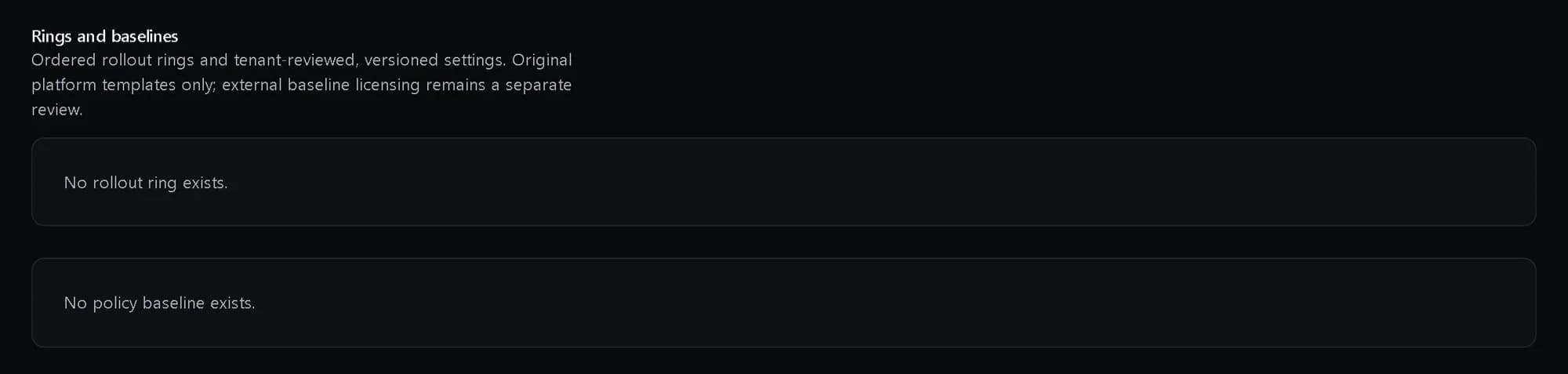
Publish a versioned baseline to the pilot ring first, then widen it ring by ring.
In WorkplaceAdmin consoleRollout rings, pilot first, and the versioned baselines devices are held to. Shown with demo data. 03
Deploy without duplicates
Provisioning and deployments are idempotent, so a retried rollout does not install twice.
In Workplace04
Elevate for a task, not forever
A person asks for admin rights for one task; an approver grants them for a set time, and they expire on their own.
In WorkplaceAdmin console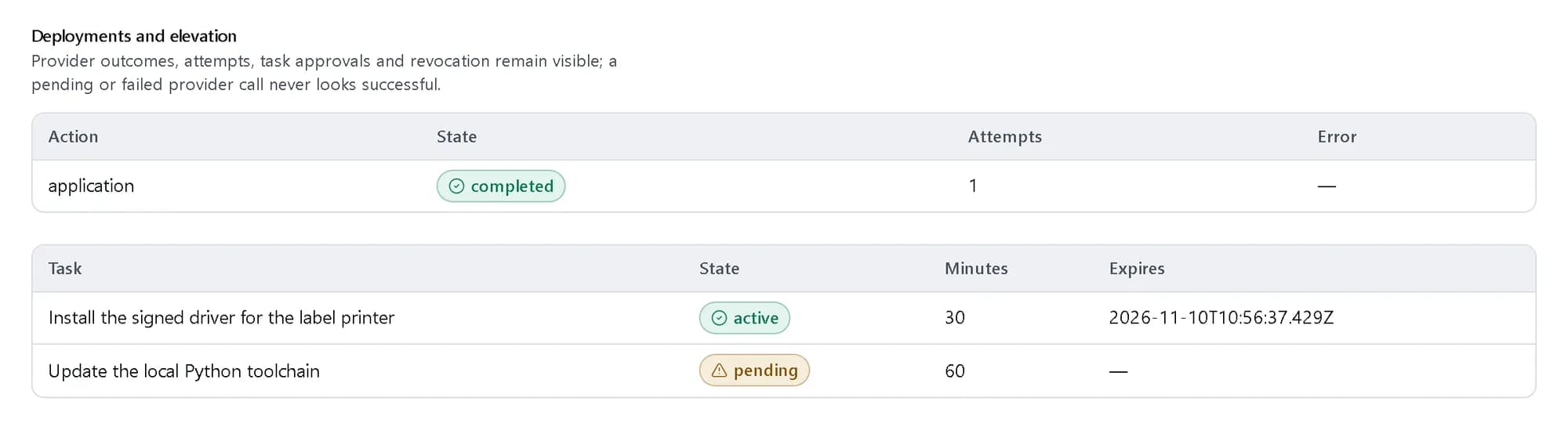
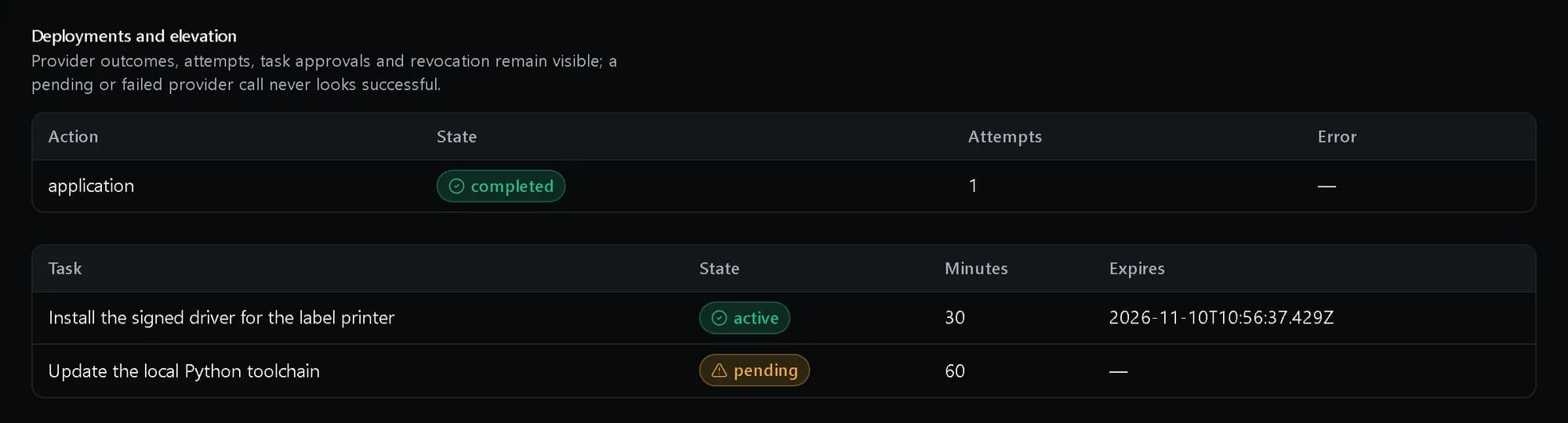
Elevation for one task, with an expiry; nothing standing. Shown with demo data.
What you get
Problems found by the pilot ring
A bad baseline reaches a handful of devices, not the whole company.
Drift you can see
Each device is compared with the baseline version it should be on.
No standing local admin
Admin rights are granted for a task and a time, with an approver, and then expire.
Questions, answered
Do we have to replace our MDM?
No. Workplace syncs the device inventory from the MDM you already run and works on top of it.
Can we migrate in stages?
Yes. Migration waves and ITSM connectors are part of Workplace.