Camera-to-sign-in investigation
From a person on camera to the badge and sign-in records, in one case.
Find the moment on camera in a sentence, check it against the access log in one question, and keep the footage and the records together in a case with a legal hold, while every look at the footage is recorded.
For Security, Investigations, Legal
The situation
Someone was in the server room after hours. The footage is in one system, the badge log in another and the sign-ins in a third. Pulling them together means exports, screenshots and a shared folder nobody can vouch for later.
How it works
Step by step, and the product each step happens in.
01
Find the moment
Search the cameras in plain English and see how the sentence was read and why each result matched.
In Video Search & AlertsInvestigator console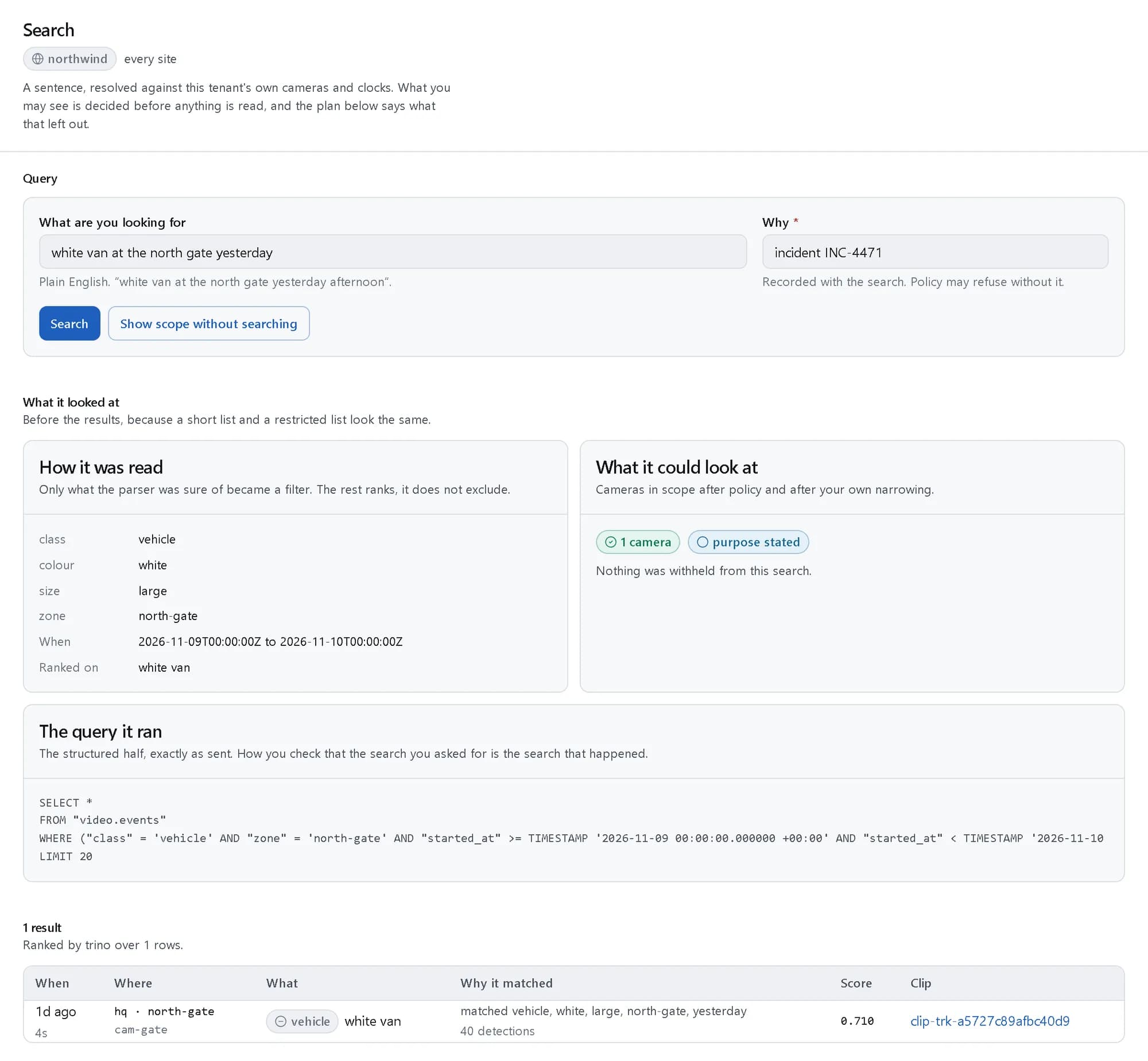
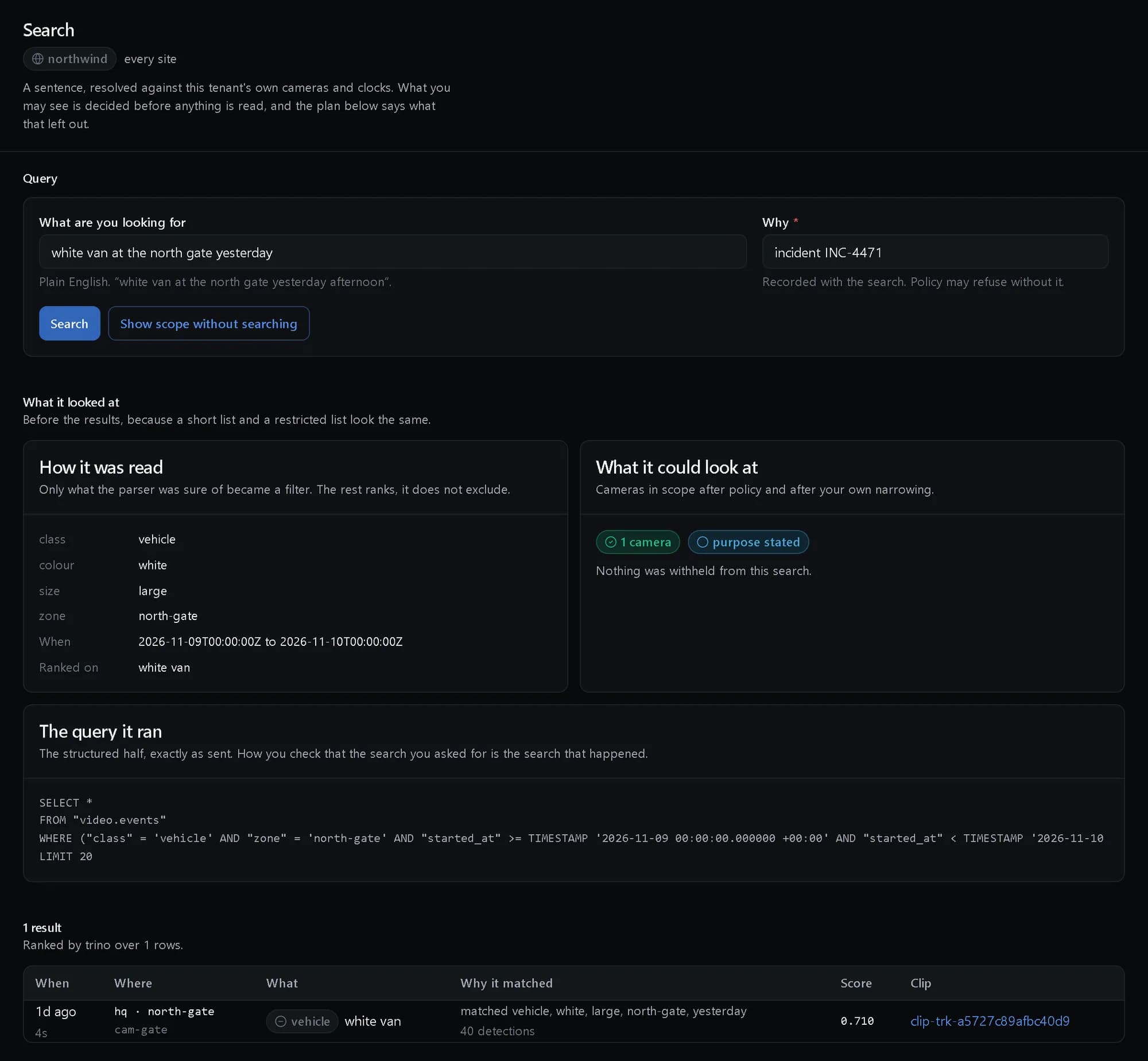
One sentence in, with how it was read and why each result matched. Shown with demo data. 02
Ask across the records
Ask who entered without badging in. Footage and the access log are joined on time and place, and a deep-archive search asks for a purpose first.
In AskInvestigator console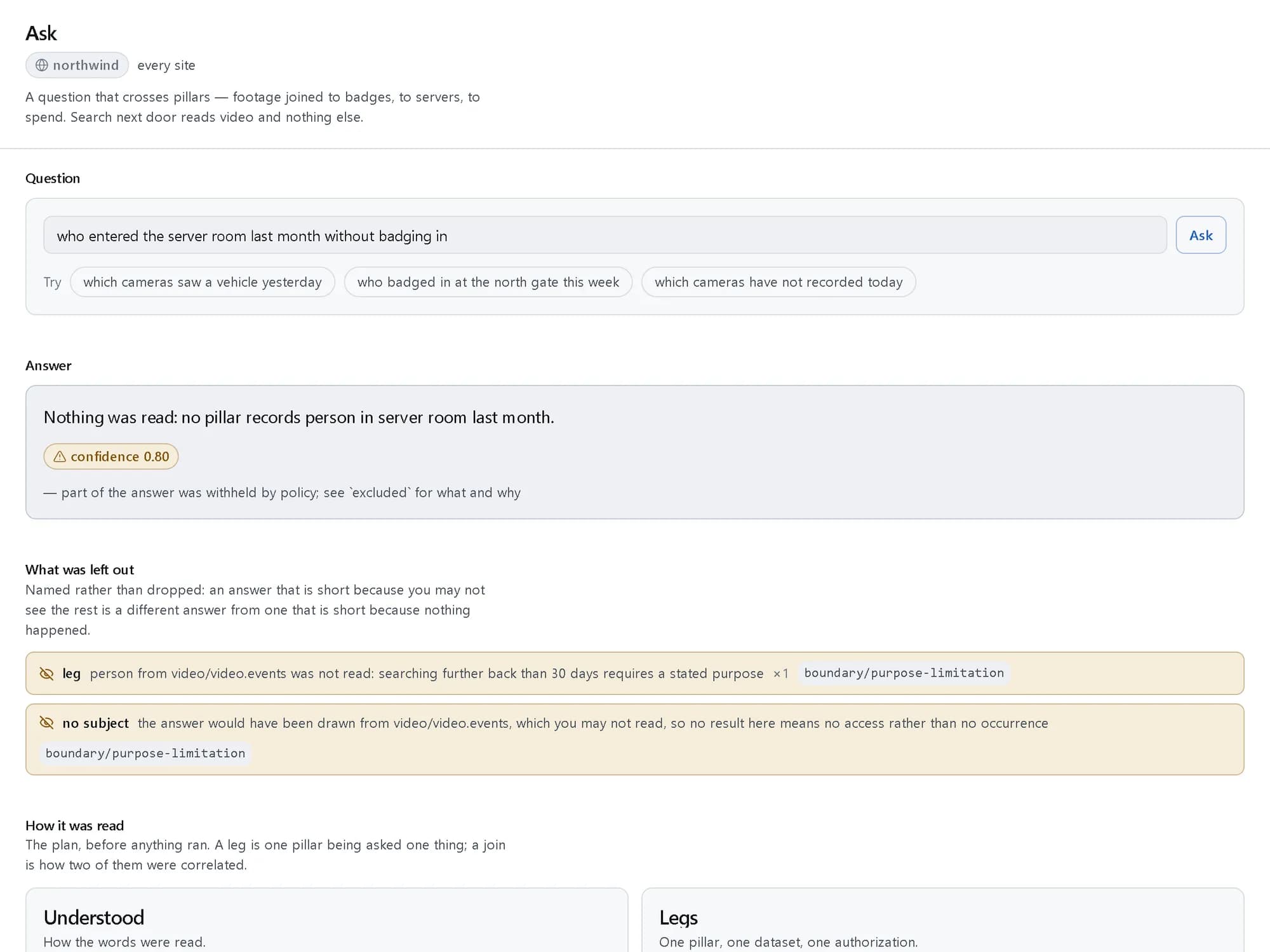
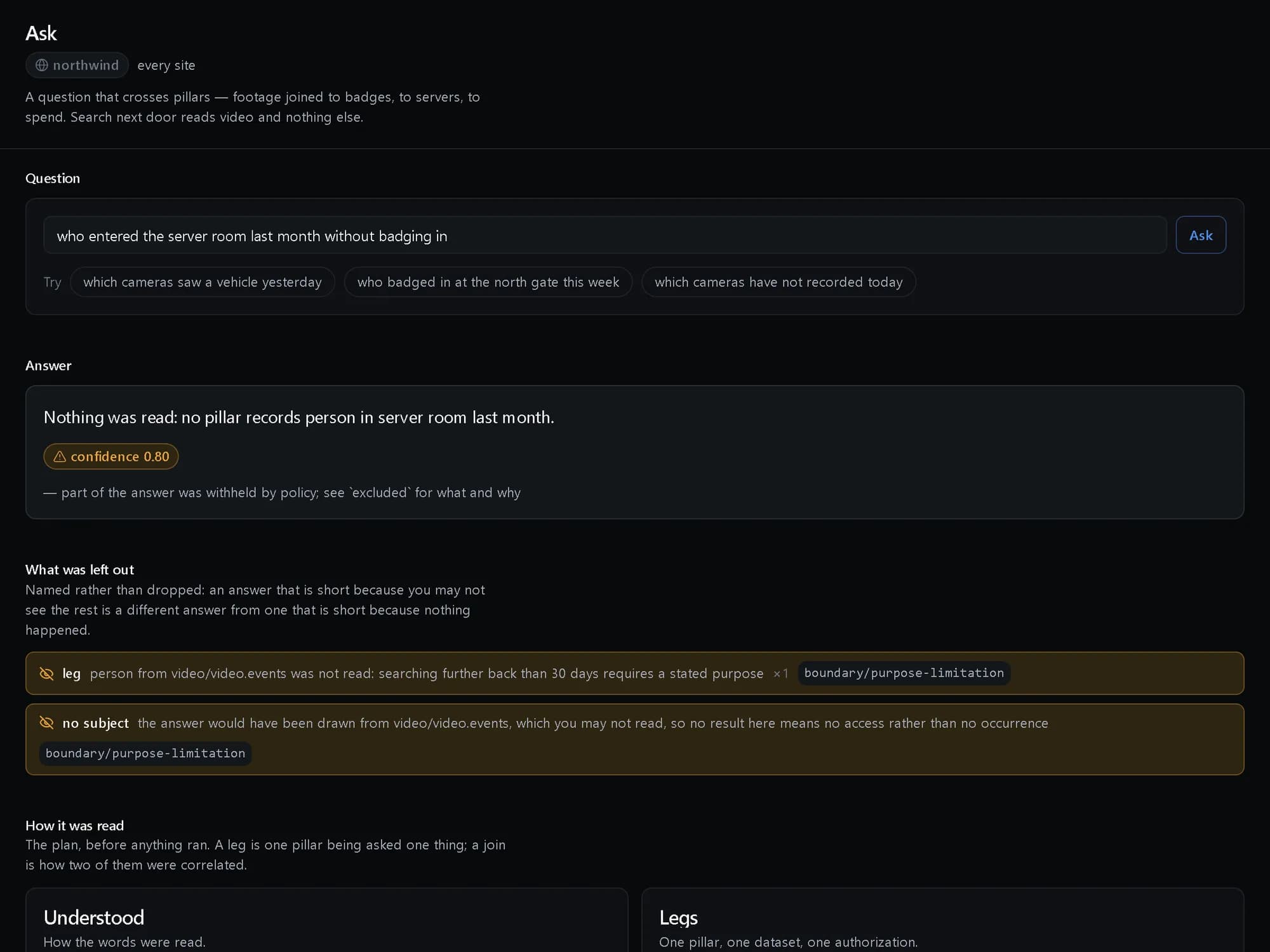
When policy withholds part of an answer, the answer says so. Shown with demo data. 03
Open the case
Attach the clip, the access records and notes to one case, and place a legal hold so nothing in it is deleted.
In Investigations04
Show who looked
Every view, search and export of the footage is in an audit a tenant administrator cannot switch off.
In InvestigationsInvestigator console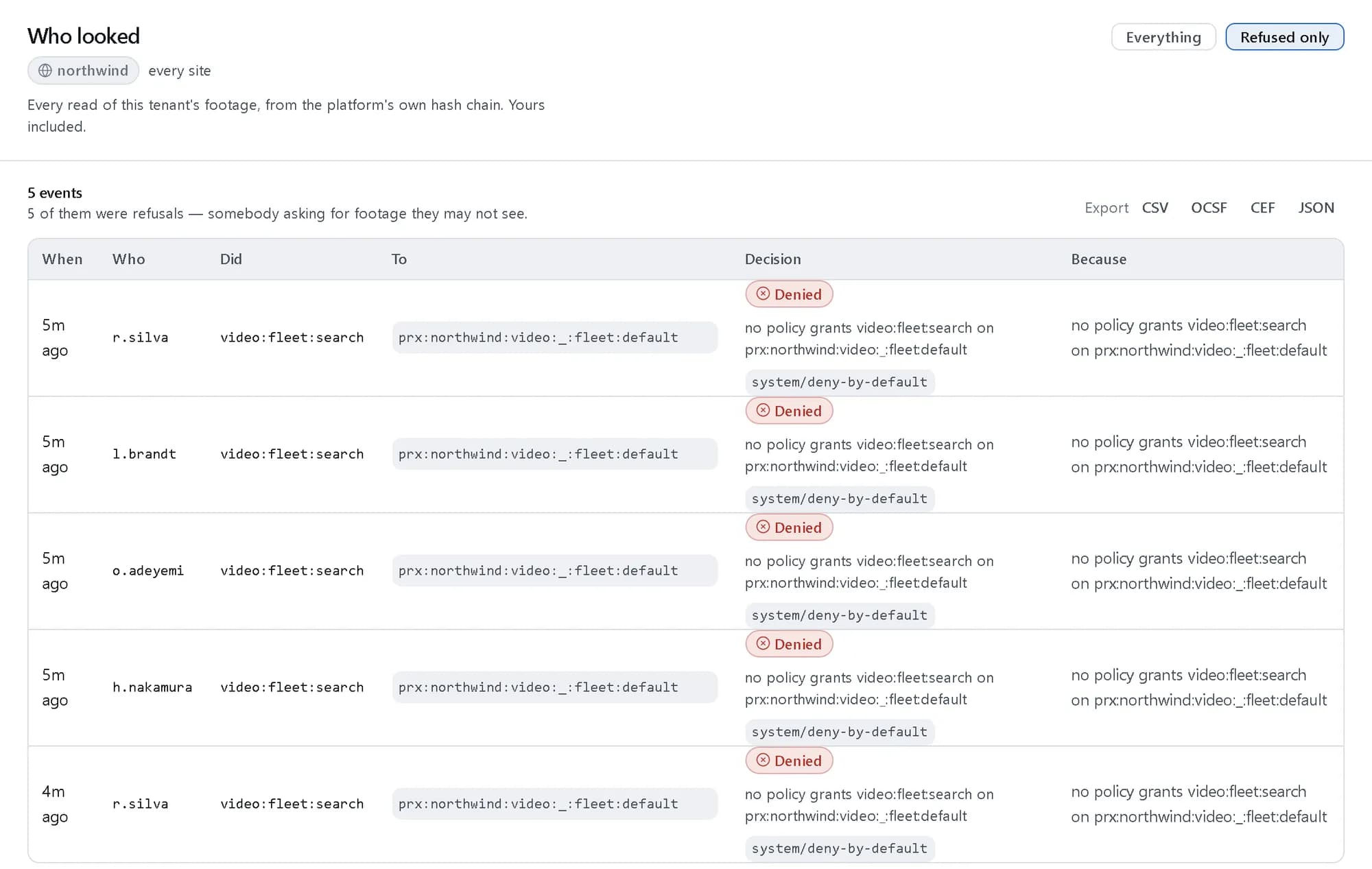
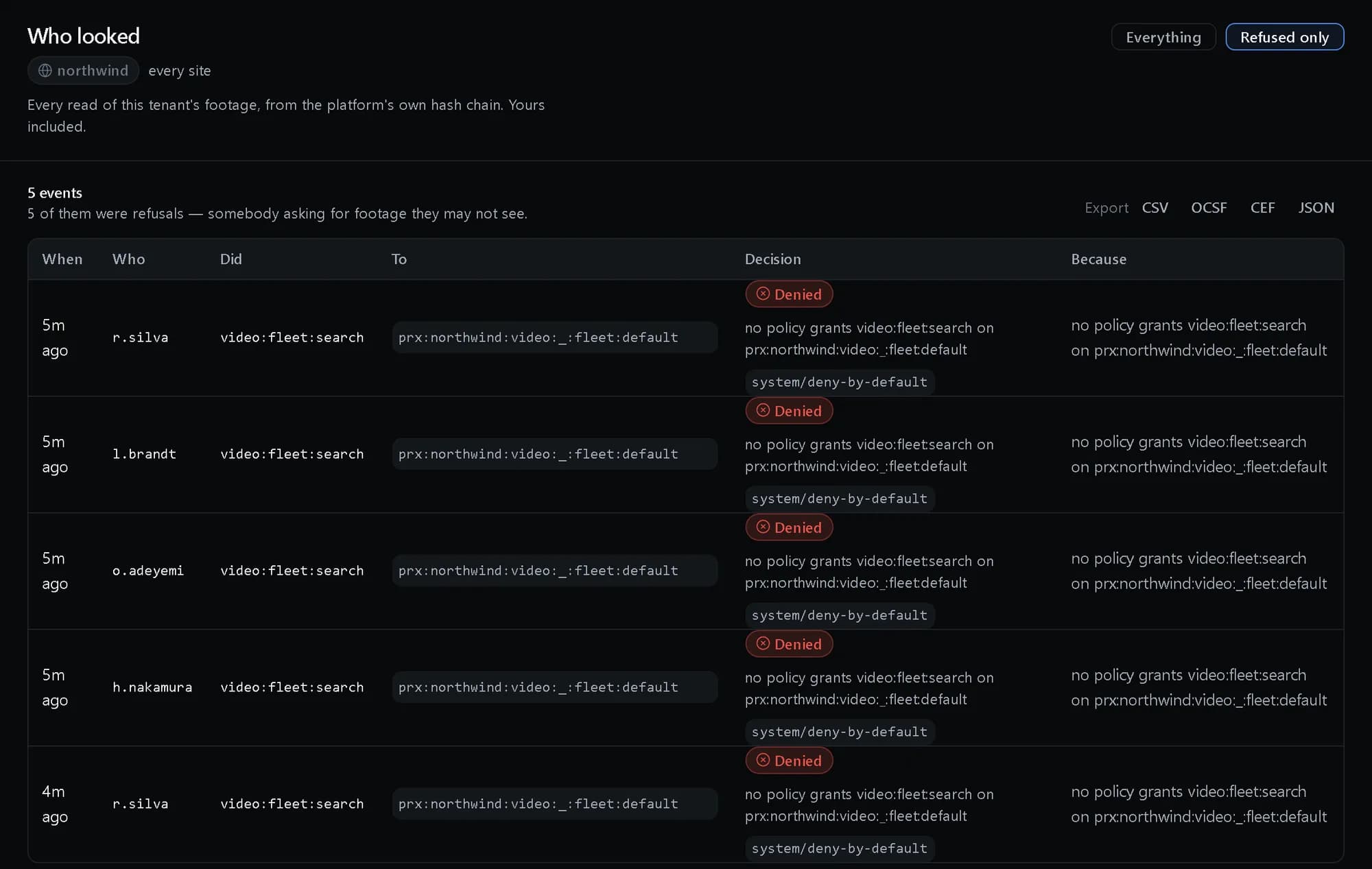
Every read of footage, including the ones policy refused. Shown with demo data.
What you get
Footage and records in one case
The clip, the badge log and the sign-ins sit on one timeline instead of a folder of exports.
Evidence that holds up
Evidence is hashed into a vault, custody is recorded and exports carry a verification manifest.
No one sees more than they should
Search and questions read only what the investigator may, and say what policy left out.
Questions, answered
Can an investigator search any camera?
Only the cameras, groups and zones their role covers, in the hours they are allowed. Archive searches beyond a set window need a purpose.
Where is the case worked?
Cases are worked through the API, CLI and SDKs; the investigator console covers the search, the footage and the audit.