Proving access decisions to an auditor
Show an auditor who could do what, who did, and why it was allowed.
Every allow and deny across every pillar in one hash-chained audit, a reason and policy on every denial, reverse and forward entitlement queries, exports in the formats auditors use, and a separate record of who looked at footage.
For Security, Compliance, Internal audit
The situation
The audit request asks who had access to the finance data last quarter and why. The answer is spread over five consoles, three log formats and a spreadsheet of role assignments nobody trusts.
How it works
Step by step, and the product each step happens in.
01
Record every decision
Allows and denies from every service land in one schema, hash-chained with a verification endpoint.
In Trust and security03
Answer “who can” and “what can”
Ask who can act on any resource, or what any principal can do, and simulate a policy change before it ships.
In Security04
Hand over the evidence
Export to CSV, Parquet, OCSF or CEF, or run the access review, privileged action and data access reports.
In Trust and security05
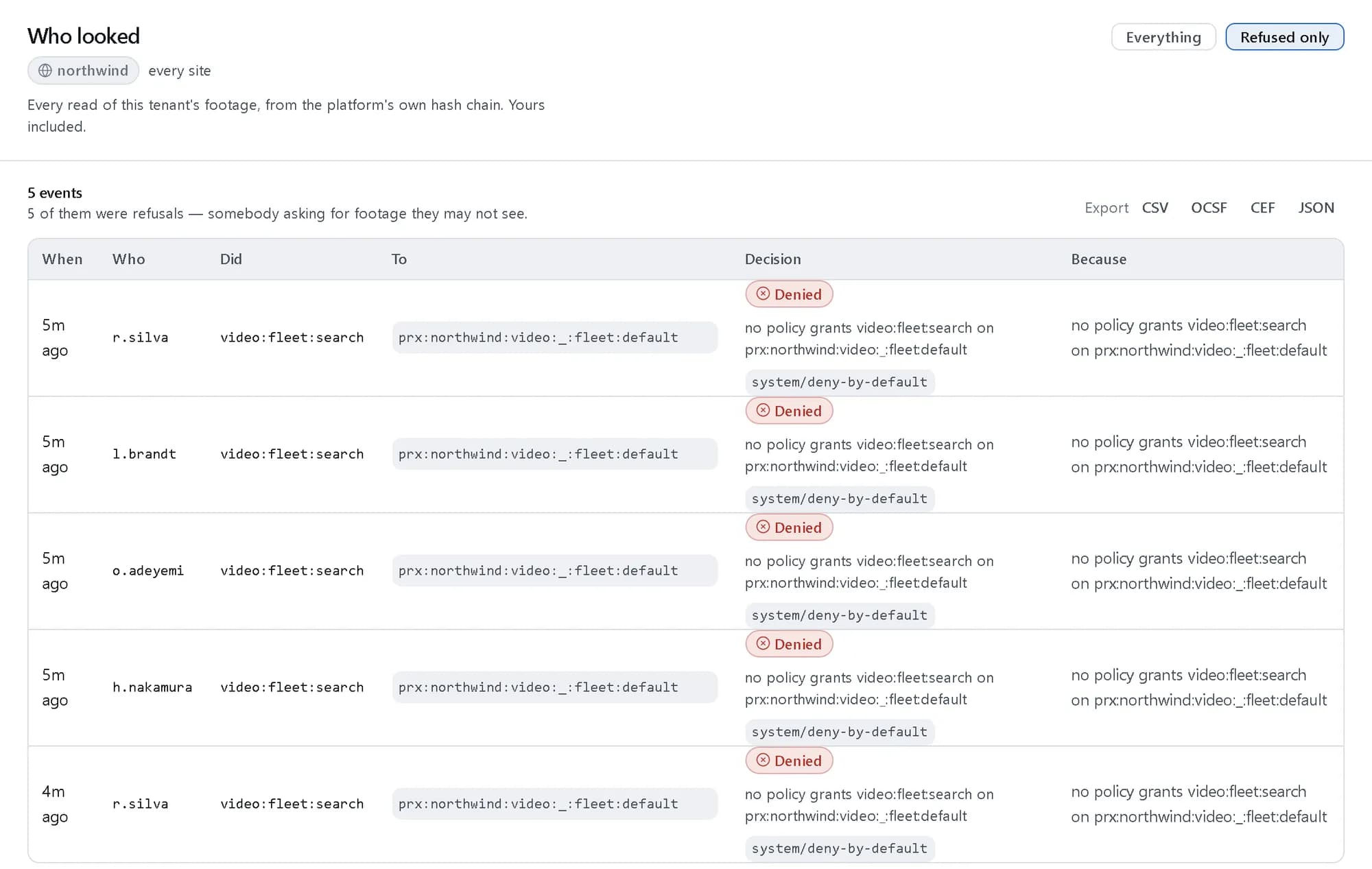
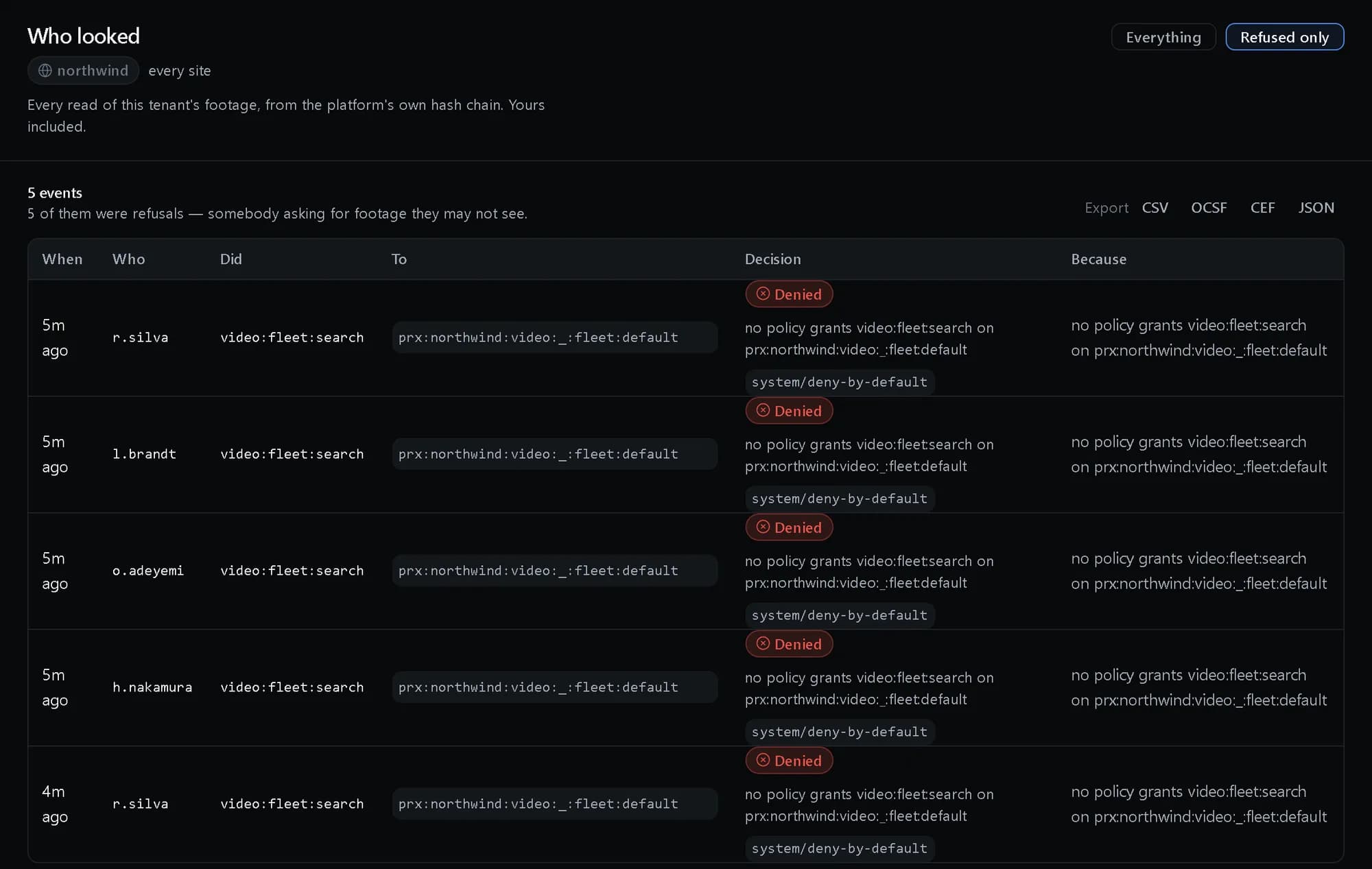
Show who looked at footage
Search, view, export and face-match audits are separately reportable, and cannot be disabled by a tenant administrator.
In InvestigationsInvestigator consoleEvery read of footage, including the ones policy refused. Shown with demo data.
What you get
One record, provably complete
A single hash chain across pillars, with a verification endpoint an auditor can use.
Every no has a reason
Denials carry their reason and policy, so a refusal is explainable.
Entitlements on demand
Who-can and what-can queries replace the spreadsheet of role assignments.
Questions, answered
Can the audit be tampered with?
Events are hash-chained with a verification endpoint, and the chain can optionally be anchored externally.
How long is audit kept?
By a retention policy with legal minimums and legal hold.